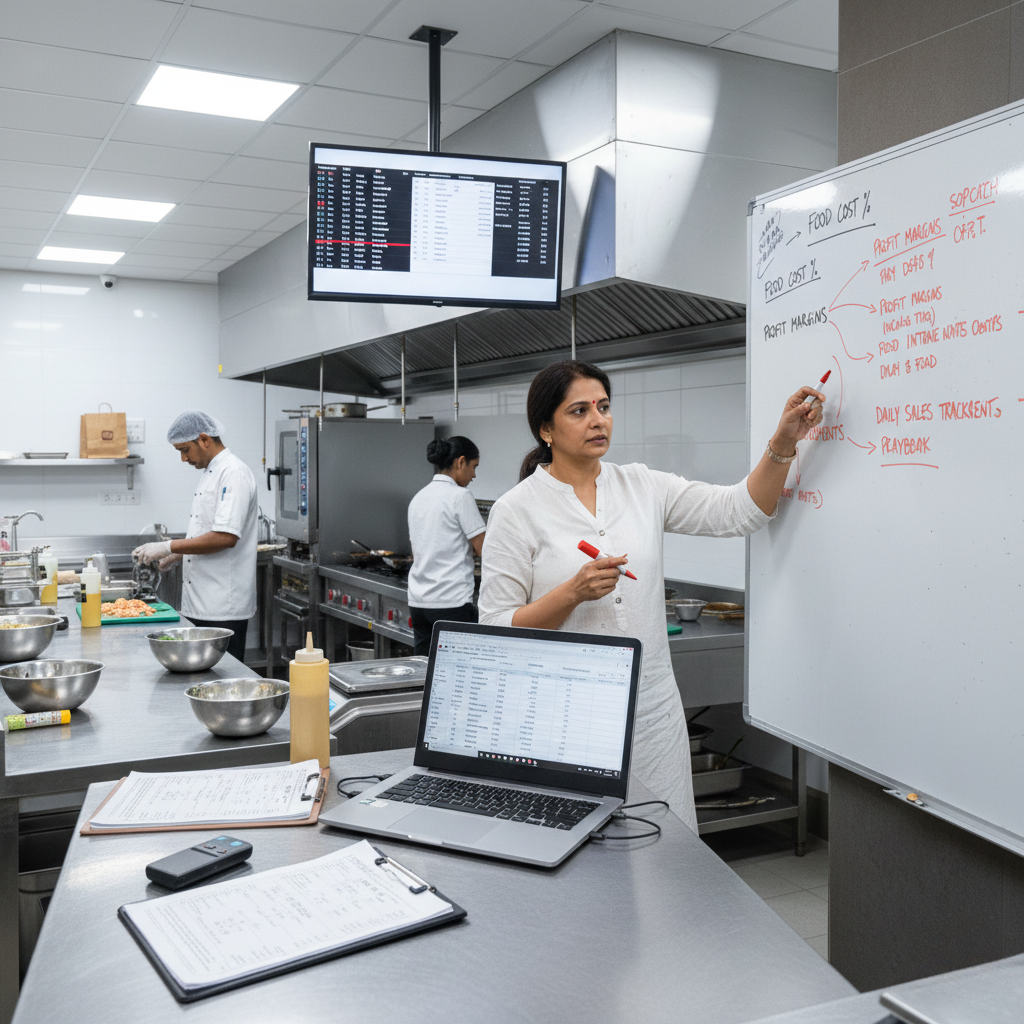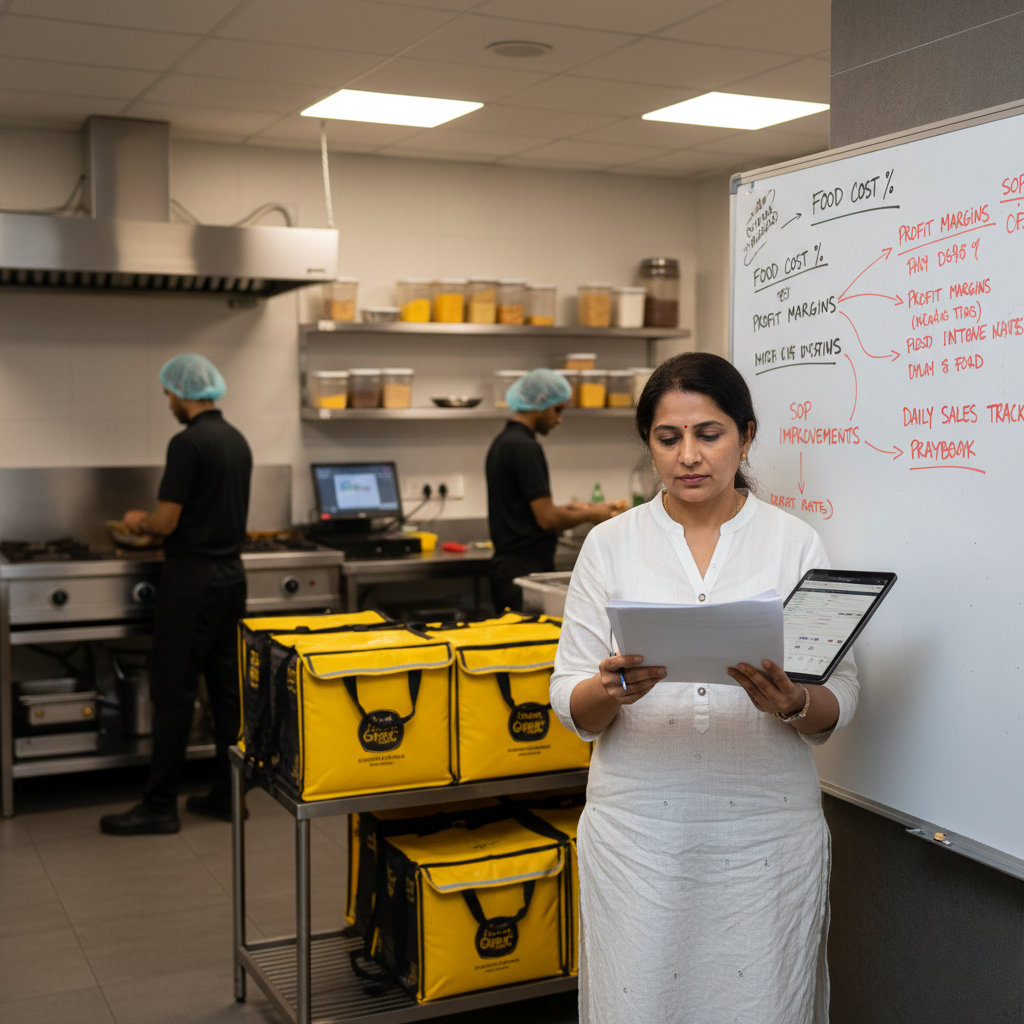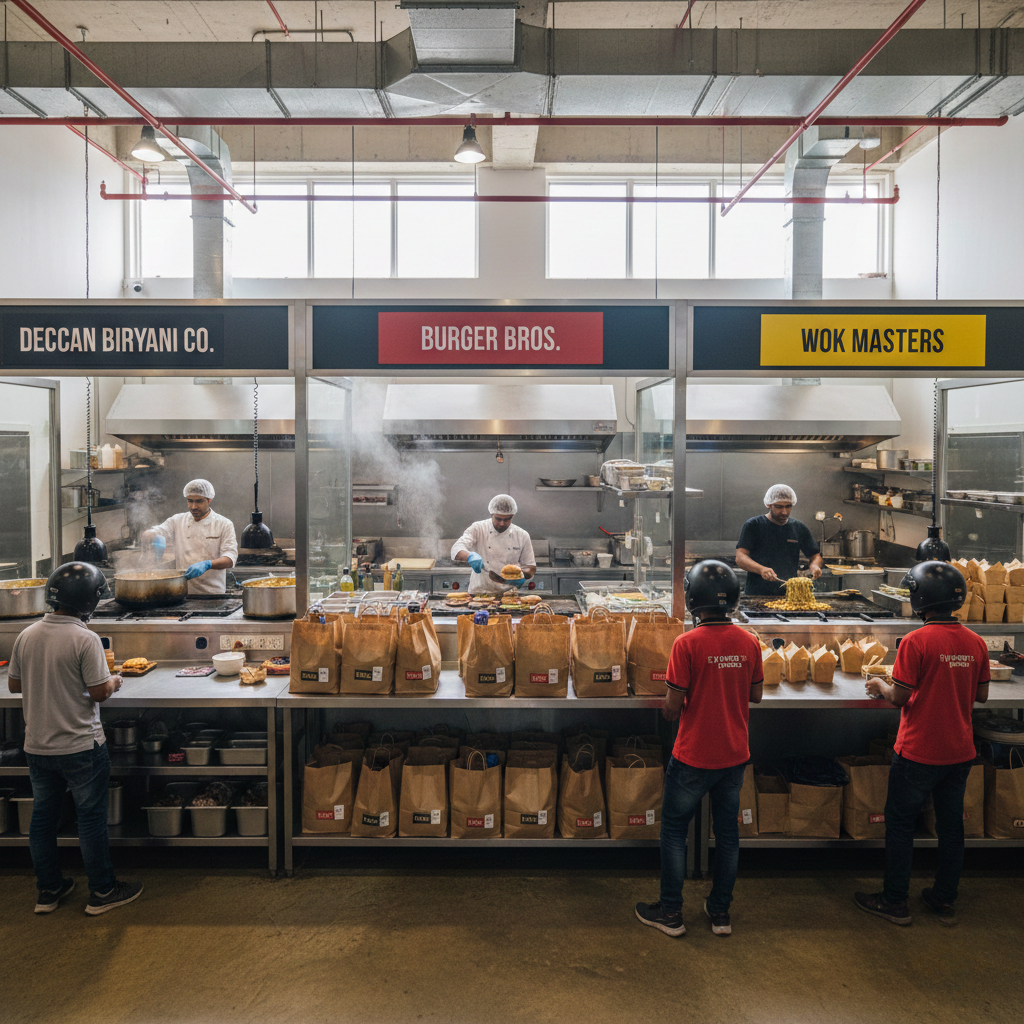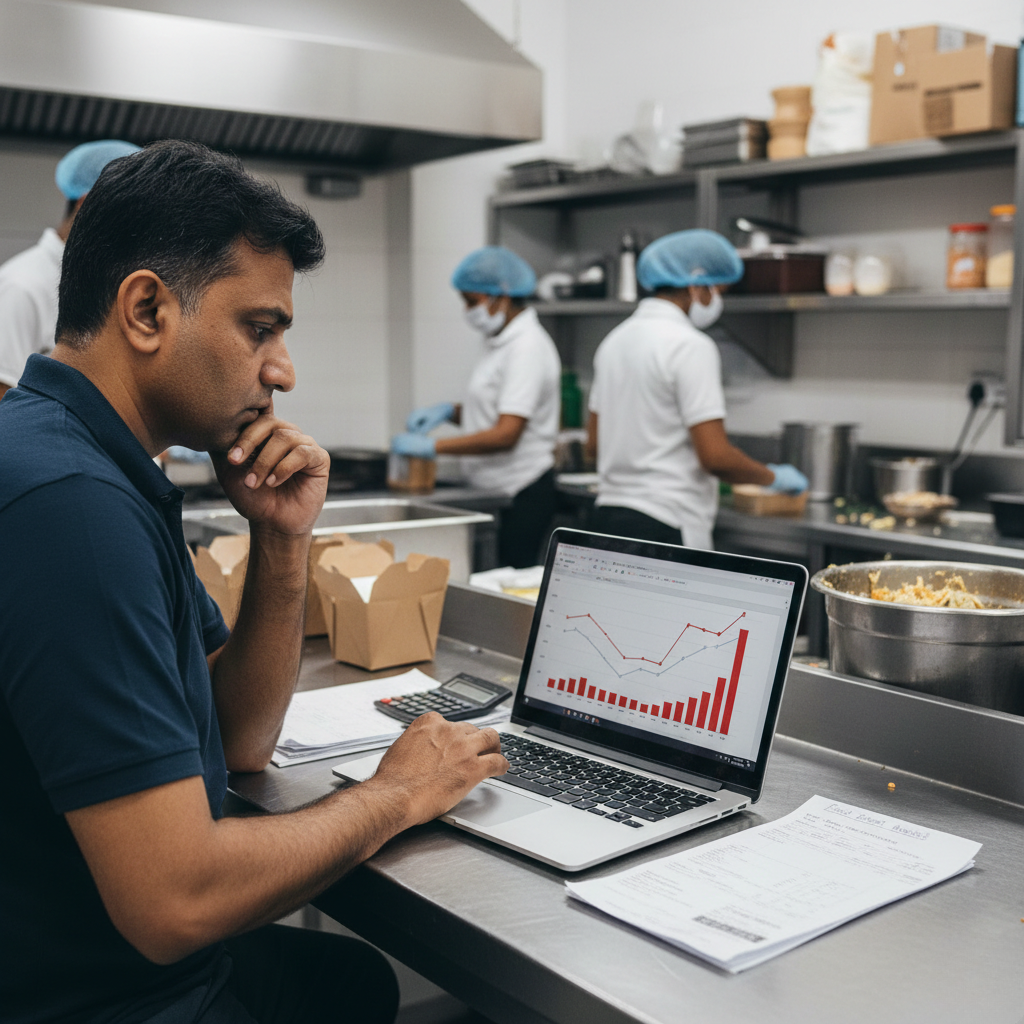
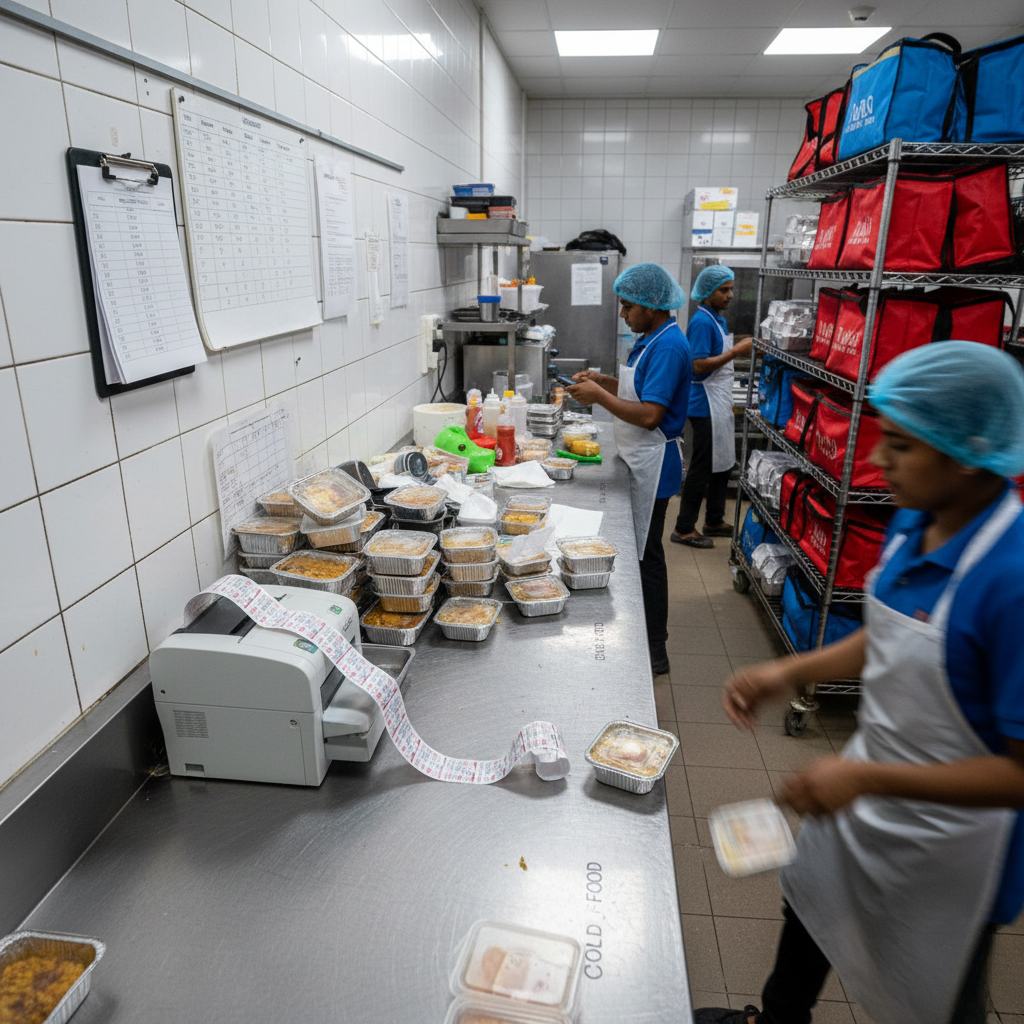
Why does scaling a cloud kitchen increase losses? is not a “more orders is bad” problem or a “Swiggy/Zomato doesn’t pay enough” problem. It is a throughput + unit-economics + control-systems problem. Scaling increases volume faster than it increases operational control, and volume multiplies weak processes: portion drift, refund leakage, cancellations, stock-outs, late dispatch, discount dependency, and procurement chaos. When you scale and losses rise, it usually means you scaled demand on broken contribution margin and weak repeatability. This guide explains why scaling a cloud kitchen increases losses in India and how to build a scale-safe operating system end-to-end using menu engineering, SOPs, station gates, prep planning, procurement discipline, audits, and feedback loops using systems, not supervision.
Why scaling a cloud kitchen increases losses? The Real Reason “More Orders” Creates “More Leakage”
Scaling a cloud kitchen is supposed to feel like progress: more orders, more peak-hour rush, higher daily sales, and the thrill of “we’re growing.”
Then reality hits: you scale volume, but instead of profit rising, losses increase. Your team is busier, your kitchen feels chaotic, refunds and cancellations rise, food cost feels out of control, and payout becomes confusing.
The hard truth: scaling does not create profit automatically. Scaling multiplies whatever system you already have. If the system is disciplined, scaling multiplies margin. If the system is leaky, scaling multiplies losses.
If you want the profitability foundation lens first, start with Cloud Kitchen Profitability Consultant in India and map recurring execution leaks using Common Operational Mistakes in Cloud Kitchens.
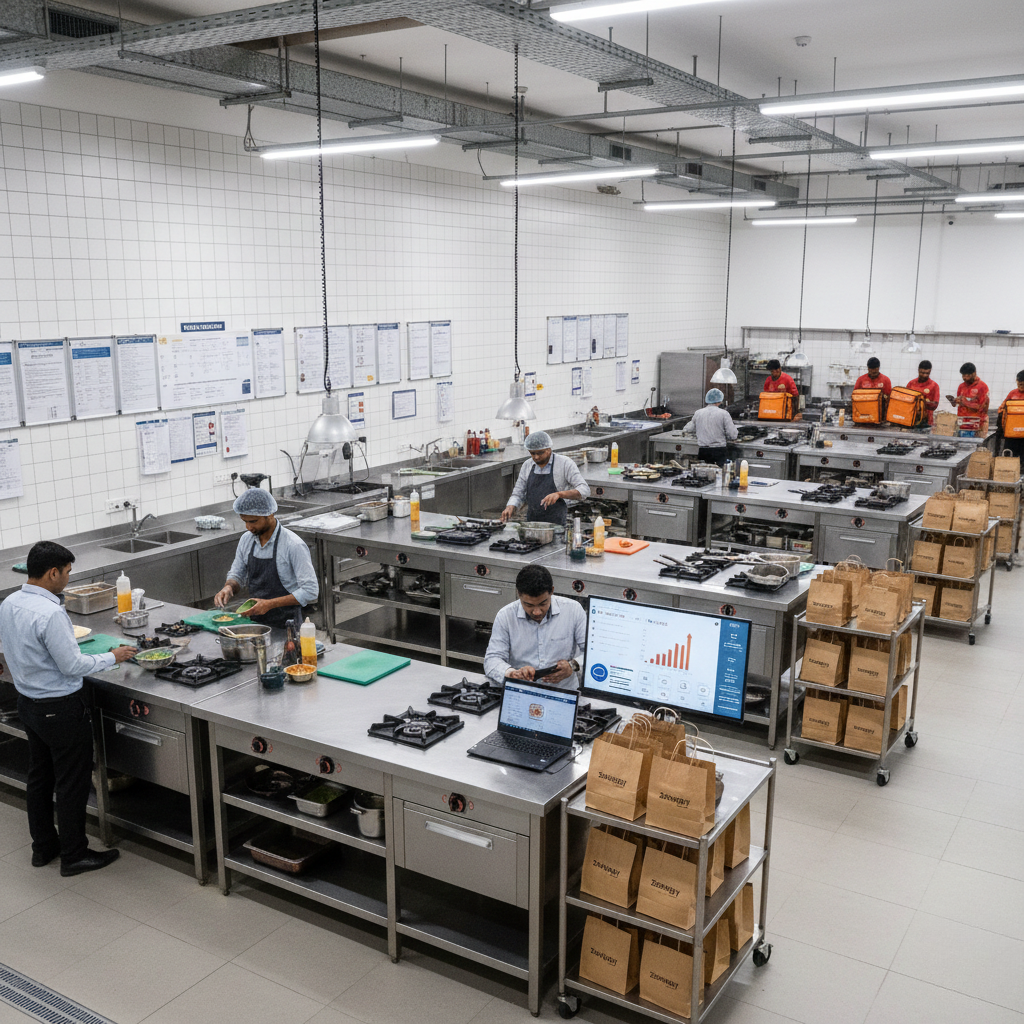
What “Scaling Increases Losses” Actually Means (Not Just “Costs Went Up”)
When founders say “we scaled but losses increased,” they usually mean: revenue is higher, but cash is lower. The business feels heavier, and the payout quality is worse.
This happens because delivery kitchens operate on contribution margin per order. Scaling increases the number of orders. If each order is leaking margin through small failures, scaling increases total leakage.
A key mindset shift: scaling is not “more output.” scaling is “more output with the same quality and the same cost per unit.” If quality and cost drift under volume, scaling creates losses.
That’s why two outlets with the same sales can have totally different outcomes: one becomes profitable with growth, the other collapses under growth. The difference is repeatability.
The Unit Economics Lens: Scaling Only Works When Contribution Margin is Protected
In cloud kitchens, profit is decided per order, not per month. You cannot “scale” your way out of bad unit economics. You scale your way into bigger losses.
Use a simple order-level lens:
Order Value minus Aggregator commission & charges minus Packaging cost minus Food cost (COGS) minus Discount burn minus Refund/penalty leakage equals Contribution Margin.
Scaling increases losses when: contribution margin is thin, and leakage increases with volume.
If you want the payout and commission layer in detail, read Aggregator Commission Impact in India. If refunds and cancellations rise as sales rise, map it using Refunds and Cancellations Impact on Cloud Kitchen Profitability.
The real goal is not “scale orders.” The goal is “scale contribution margin while controlling leakage.”

The 16 Reasons Scaling a Cloud Kitchen Increases Losses (And What Each One Looks Like)
Scaling increases losses because volume exposes weaknesses faster than you can patch them. Below are the most common reasons Indian cloud kitchens lose more money as they grow.
1) Your best-selling SKUs are low-margin, so growth scales “busy but broke.” Many kitchens scale items that convert easily, not items that pay well. If your top 5 SKUs have thin contribution margin, scaling multiplies workload without multiplying profit.
2) Commission and platform charges scale automatically with revenue. The more you sell, the more you pay. If pricing wasn’t engineered to absorb platform costs, growth expands revenue but compresses net margin.
3) Discount dependency increases because founders chase volume, not margin. Under pressure to grow, many kitchens run offers more frequently. Offers increase sales but crush contribution margin. If offers are your engine, scaling creates losses. Map the logic in Marketing Spend vs ROI in Cloud Kitchens.
4) Portion drift rises under peak pressure. Scaling increases speed pressure. Speed pressure creates “eyeballing.” Eyeballing creates drift. Drift increases food cost without showing up as one big bill.
5) Refunds rise because error probability rises with volume. If 2% of orders fail, 50 orders/day is manageable. 300 orders/day becomes daily margin destruction. Refund reasons usually come from: spillage, missing items, wrong items, cold delivery outcomes.
6) Cancellations increase due to stock-outs and prep not ready. Scaling without prep planning leads to unavailability. Unavailability creates cancellations. Cancellations waste staff time, prep, and platform trust.
7) Dispatch becomes chaotic, causing late deliveries and cold food outcomes. Late dispatch increases complaints. Complaints increase refunds. Refunds reduce ratings. Ratings drop reduces conversion. Then founders discount more. Fix the gate using Cloud Kitchen Dispatch SOP.
8) Packing errors multiply because there is no checklist gate. Under volume, staff skips verification. Add-ons get missed. Wrong variants go out. Customers complain harder because “I paid for it.”
9) Remakes and freebies increase to “protect ratings.” Founders quietly remake items to avoid negative reviews. These costs don’t show as refunds, but they kill margins. Remakes scale with chaos.
10) Procurement becomes reactive, increasing RM cost and spoilage. Growth often triggers panic buying. Panic buying increases rates and waste. Without par levels and vendor discipline, COGS rises with volume.
11) Labor cost rises because throughput is not systemized. Without SOPs and station design, the only way to handle volume is adding people. Adding people without systems increases cost faster than it increases output.
12) Menu complexity scales faster than kitchen capability. More brands, more combos, more variants. Each new SKU adds error probability. If SOPs don’t update, accuracy collapses.
13) Prep time and ETA become uncompetitive, reducing conversion. As operations slow, ETA increases. Conversion drops. To recover orders, founders discount. Margin collapses further.
14) Rating volatility increases, reducing platform trust. Scaling creates inconsistent outcomes. Inconsistent outcomes create rating spikes and drops. Even if average rating seems okay, volatility reduces distribution.
15) Founder bandwidth snaps, so problems repeat longer. In one outlet, you fix issues quickly. In scaling, issues stay unresolved longer. Small leaks become permanent habits.
16) No weekly feedback loop ties growth metrics to profit metrics. Many founders track sales and orders. They don’t track: CM by SKU, refunds by reason, cancellations by time window, COGS drift, packaging %. Scaling without feedback loops is uncontrolled expansion.
For the leak map and system mindset, use Common Operational Mistakes in Cloud Kitchens and How SOPs Reduce Food Cost & Complaints.
Swiggy/Zomato Reality: Scaling Without Reliability Creates Penalties, Suppression, and More Discount Burn
Aggregators reward successful orders per impression. If scaling increases late orders, refunds, cancellations, and complaints, the platform sees your outlet as risk. Risk triggers: visibility suppression, performance flags, and sometimes deductions.
This is why scaling can feel like going backward: more operational load, lower payout quality, and more discount dependency to maintain volume.
External policy context for mapping refunds and cancellations: Swiggy Refund & Cancellation Policy and Zomato Online Ordering Terms.
The actionable takeaway: scale like a risk engineer. Reduce repeat failures before pushing more volume.
Scaling Becomes Safe When Three Stations Are Locked: Prep Planning + Packing + Dispatch
Most scaling losses come from three stations failing under volume: prep planning (readiness, stock-outs, batch yields), packing (accuracy, sealing, add-ons), and dispatch (handover speed, queue discipline, final scan).
If prep fails, you get stock-outs and cancellations. If packing fails, you get refunds and complaints. If dispatch fails, you get delays and cold food outcomes. Scaling multiplies whichever station is weakest.
Implement dispatch predictability using Cloud Kitchen Dispatch SOP and audit repeat failure patterns using Common Operational Mistakes in Cloud Kitchens.
Why Scaling Needs Role Ownership (Not “More People”)
Scaling fails when responsibility is shared and outcomes are unclear. In one outlet, founders patch gaps. In scaling, patching becomes impossible. So the model must shift to role-based ownership with gates.
Here is what role-based scaling control looks like:
Prep role:
owns par levels, batch yields, and peak readiness so unavailability and cancellations don’t rise.
Cook role:
owns recipe cards and portion tools so food cost does not drift under pressure.
Pack role:
owns checklist verification, add-ons, sealing, and labeling so refunds don’t spike.
Dispatch role:
owns handover speed and final scan so SLA doesn’t break during peak.
Manager role:
owns weekly review: CM by SKU, refunds, cancellations, late orders, and SOP updates.
If you want the full model, use Role-Based Kitchen Operations Explained.
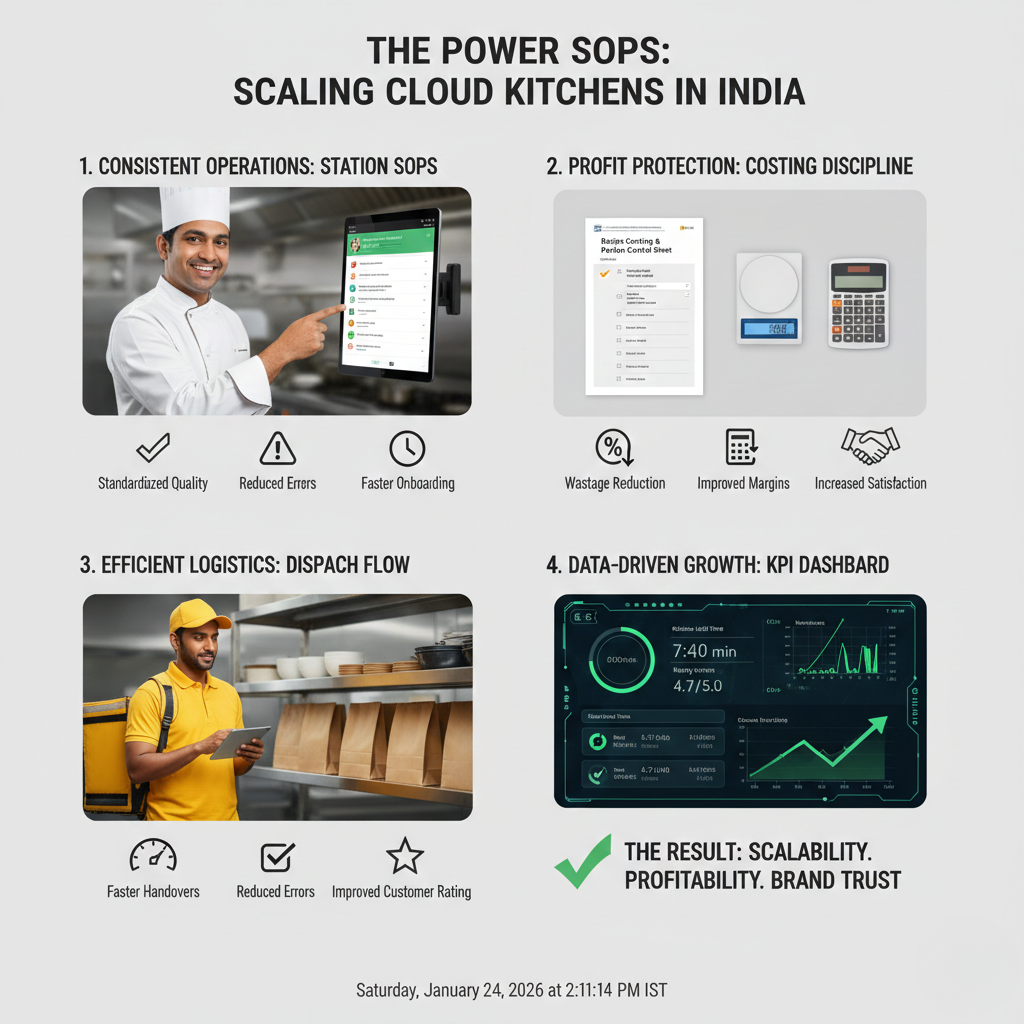
How to Scale Without Increasing Losses (A Practical 7 to 30 Day Stabilization Sequence)
The goal is not “stop scaling.” The goal is “stabilize contribution margin and reliability before pushing volume.” Below is a rollout sequence used in kitchens that scale profitably.
Step 1 (Day 1–2): Calculate contribution margin for top 20 SKUs. Include: commission impact, packaging cost, food cost, discount burn, and average refund leakage. If you don’t know CM, scaling becomes gambling.
Step 2 (Day 1–3): Identify which SKUs create volume but destroy margin. Stop promoting low-margin bestsellers. Re-price, re-portion, or reposition them. Growth must scale profitable items first.
Step 3 (Day 2–5): Lock portion control for the top sellers. Define portion tools and visual fill lines. Standardize weights. Portion control is the fastest way to stop COGS drift under volume.
Step 4 (Day 3–7): Fix the top 2 refund causes. Pull last 30 days refunds. Classify. Fix liquids first (spillage), then wrong items or add-on misses. Install packing checklist + dispatch scan using Cloud Kitchen Dispatch SOP.
Step 5 (Week 2): Install par levels + peak readiness checklists. Stock-outs create cancellations. Cancellations destroy trust and distribution. Par levels prevent reactive buying and peak unavailability.
Step 6 (Week 2): Simplify menu architecture for speed. Reduce near-duplicate SKUs. Engineer combos and add-ons that lift AOV without killing margin. Speed and clarity increase conversion while reducing error probability.
Step 7 (Week 3): Run audits and enforce feedback loops. Audit 5 peak orders and 5 non-peak orders. Track: late dispatch reasons, packing misses, portion drift, cancellations, refunds. Make 3 system upgrades weekly.
Step 8 (Week 3–4): Scale only after your metrics stabilise. If refunds, cancellations, and late orders remain high, scaling will amplify losses. Stabilize first, then push volume.
If you want the discipline-led profitability link, map this with How Process Discipline Improves EBITDA and the “growth hurts ops” pattern: When Growth Is Hurting Your Cloud Kitchen Operations.
External process references (useful for standardisation mindset): Standardized Work (Lean lexicon), ISO 22000 overview, and FSSAI Hygiene Requirements (Schedule 4 reference).
Final Takeaway: Scaling Increases Losses When Control Systems Don’t Scale With Volume
If scaling your cloud kitchen increases losses, it usually means you scaled demand on broken unit economics and weak repeatability. Volume multiplied portion drift, refunds, cancellations, dispatch delays, and discount burn.
Scaling-safe kitchens become predictable: contribution margin is protected per SKU, portions are controlled, packing is checklist-driven, dispatch is gated, prep planning prevents stock-outs, and weekly reviews force SOP upgrades. That is what turns “more orders” into “more money.”
Operational frameworks from GrowKitchen, and operating partner brands like Fruut and GreenSalad are built to convert “growth-led leakage” into “profit-led scale.”
FAQs: Why Does Scaling a Cloud Kitchen Increase Losses?
What is the biggest reason scaling increases losses?
Weak contribution margin per order plus leakage increasing with volume (portion drift, refunds, cancellations, delays).
Does scaling always require more staff?
Not if systems are strong. With SOPs and station gates, the same team can handle more throughput without losses rising.
Which fix reduces losses fastest while scaling?
Portion control for top sellers plus packing checklist + dispatch scan to reduce refunds and wrong orders quickly.
How do I know if I’m ready to scale?
When your refunds, cancellations, late orders, and food cost percentage stay stable for 4+ weeks at current volume, and your contribution margin per SKU is known and protected.
- Cloud Kitchen Profitability Consultant in India
- Common Operational Mistakes in Cloud Kitchens
- When Growth Is Hurting Your Cloud Kitchen Operations
- Aggregator Commission Impact in India
- Refunds and Cancellations Impact on Cloud Kitchen Profitability
- Cloud Kitchen Dispatch SOP
- How SOPs Reduce Food Cost & Complaints
- Role-Based Kitchen Operations Explained
- Marketing Spend vs ROI in Cloud Kitchens
- How Process Discipline Improves EBITDA
- Grow Kitchen on Twitter