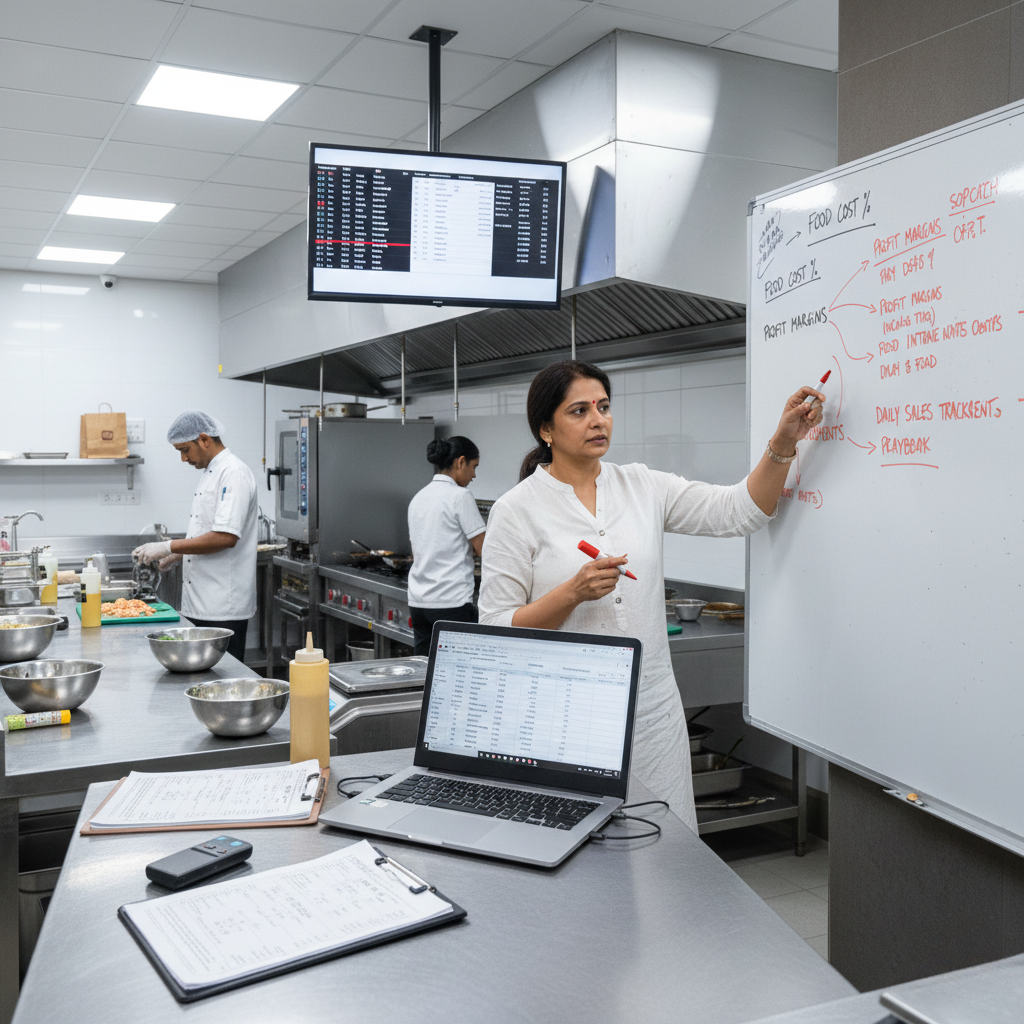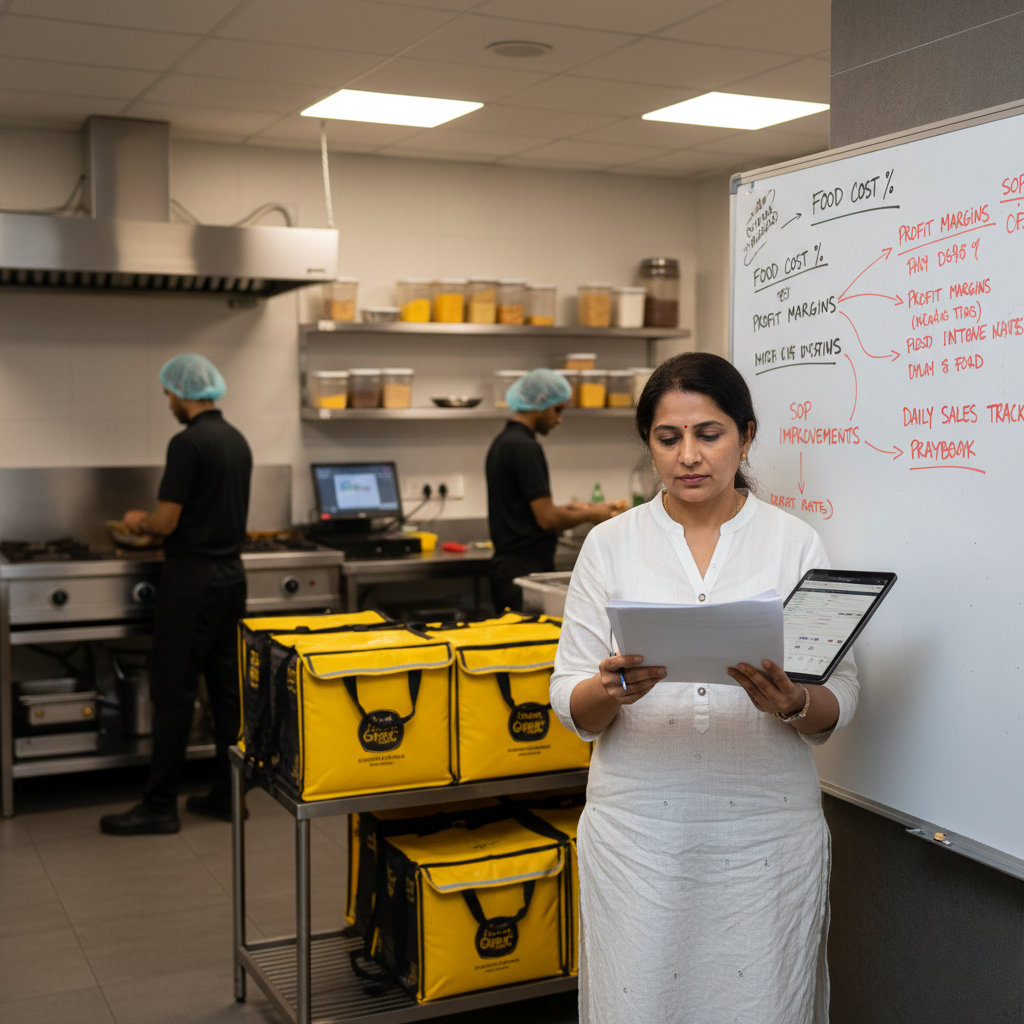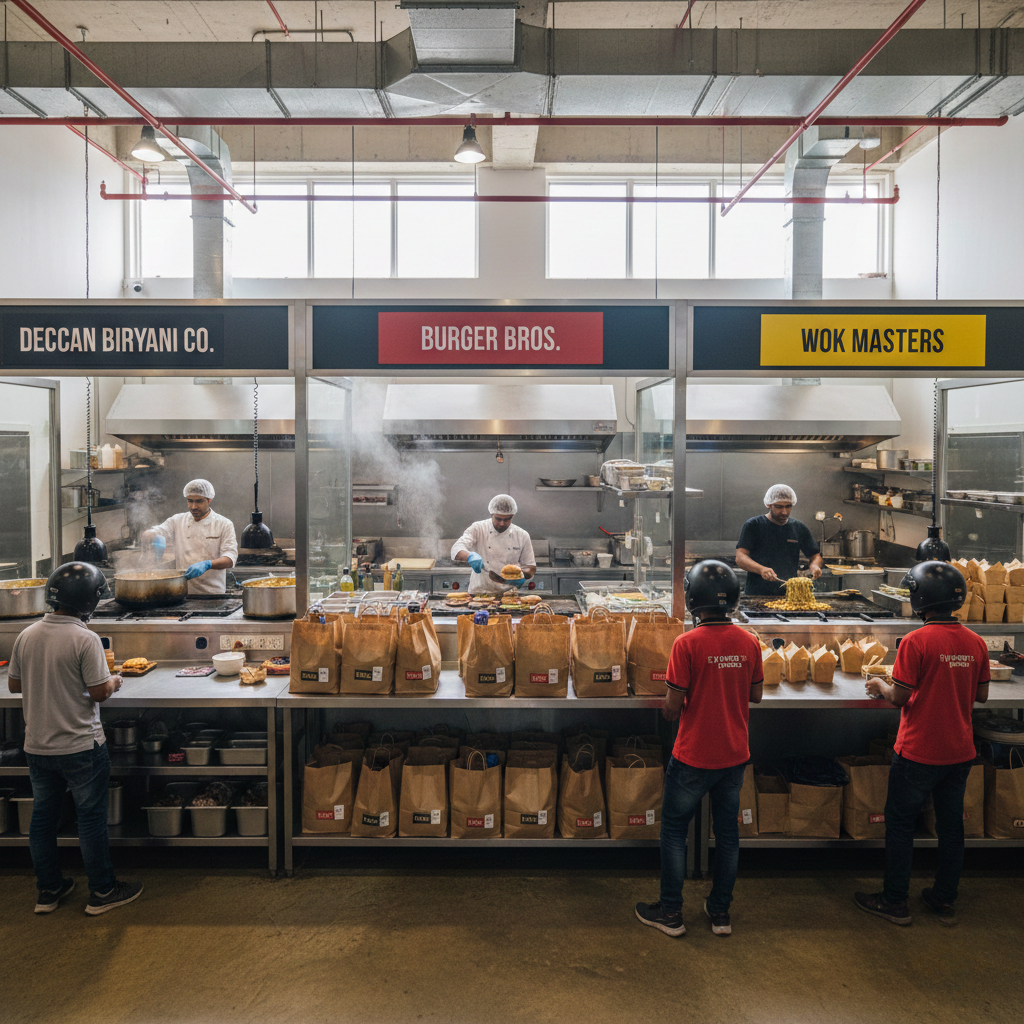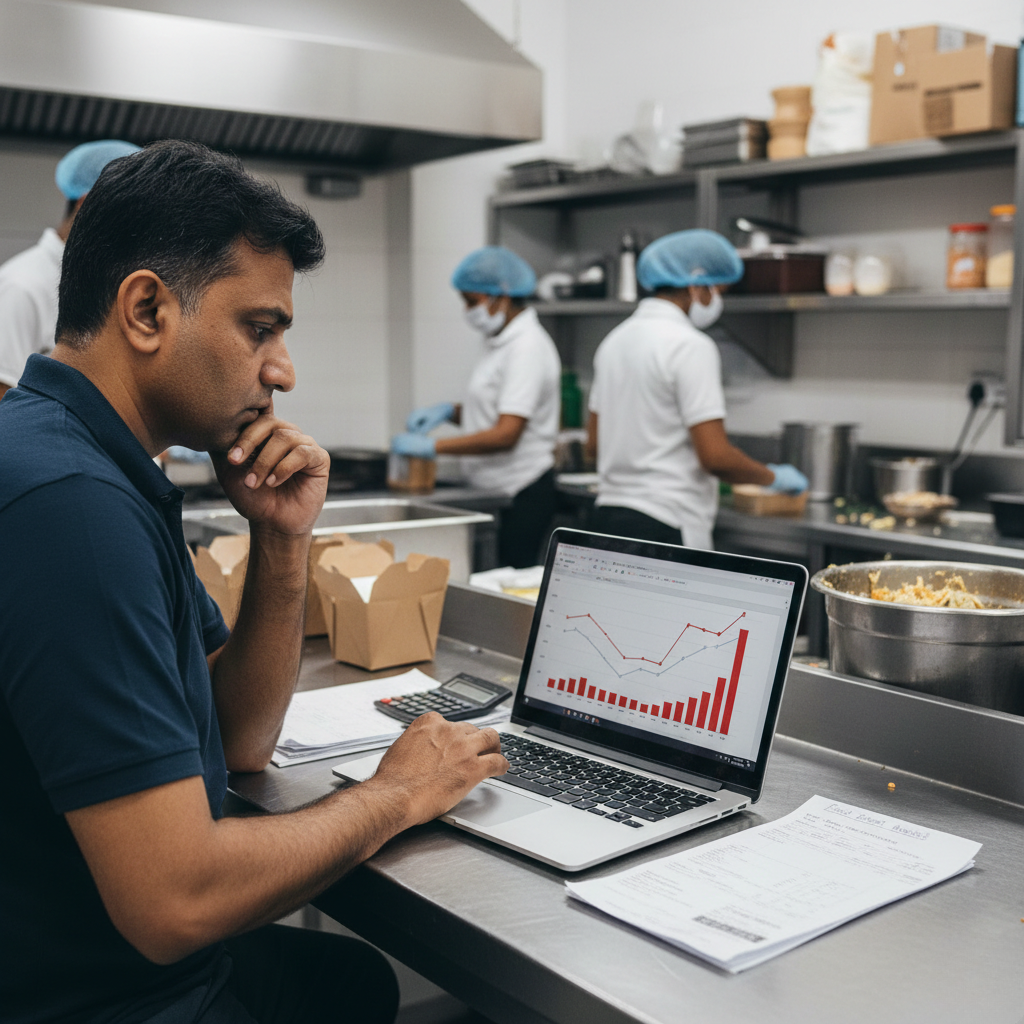
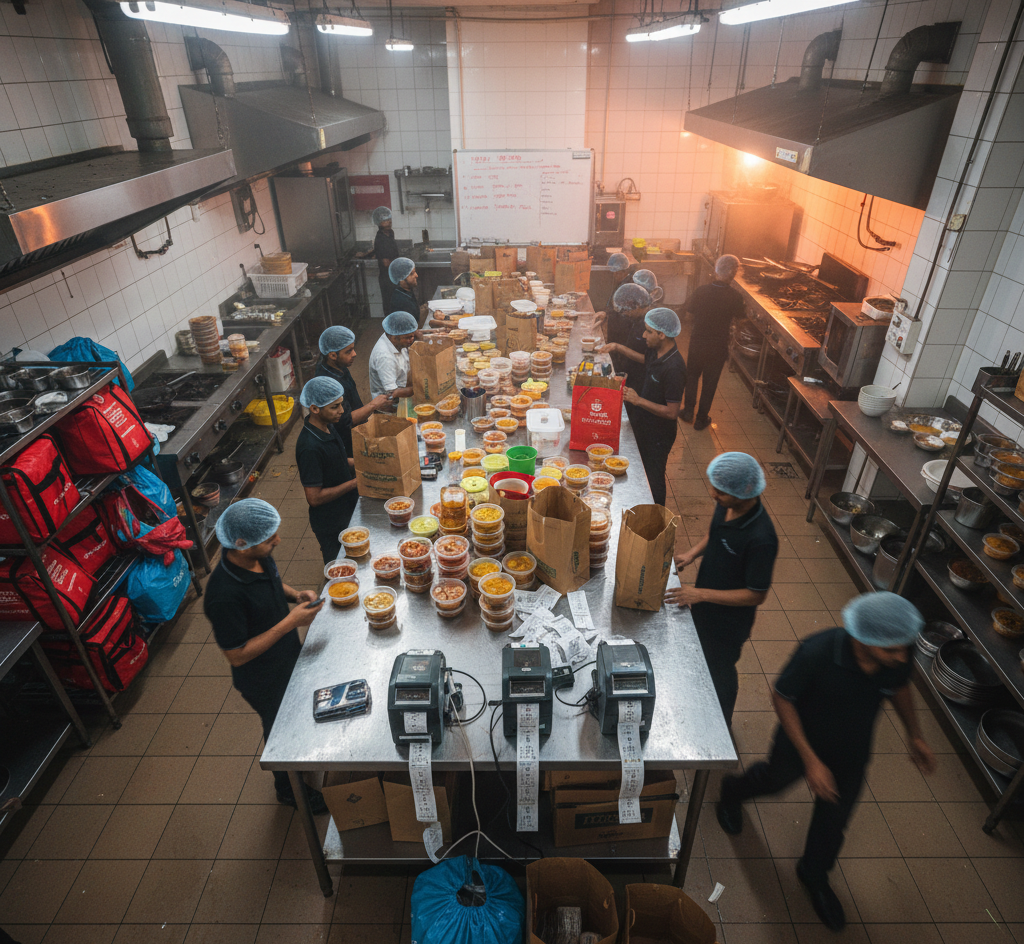
Why Service Slows Down During Peak Hours in Cloud Kitchens? is not a “staff is lazy” problem. It is a throughput + station design problem. Cloud kitchens run on bursts: 10–30 orders land together, riders arrive together, and packaging must survive stacking. If your kitchen is not designed for burst flow, peak time turns into a predictable collapse: longer KOT times, rider waiting, missed add-ons, wrong packing, refunds, and ratings volatility. This guide explains why service slows down during peak hours in cloud kitchens in India and how to build a peak-proof operating system end-to-end using batching logic, station layout, role clarity, prep buffers, and dispatch gates using systems, not supervision.
Why Service Slows Down During Peak Hours in Cloud Kitchens? The Real Reason Speed Doesn’t Improve With “Experience”
Every cloud kitchen founder has felt this contradiction: non-peak hours feel smooth, KOT times look fine, riders pick up quickly, but peak hours feel like a different business.
The same symptoms repeat daily: orders stack up, items go out late, riders wait and complain, packing becomes rushed, add-ons get missed, customers get cold food, and refunds spike right when your sales spike.
Founders usually blame people: “staff can’t handle pressure,” “team becomes careless,” “packing is slow,” “kitchen is small.” But the deeper truth is structural: peak is a burst-load problem. If your stations, prep buffers, and dispatch gates are not designed for bursts, service will slow down even with good staff.
If you want the profitability foundation lens first, start with Cloud Kitchen Profitability Consultant in India and map recurring execution leaks using Common Operational Mistakes in Cloud Kitchens.
What “Service Slow Down” Actually Means in a Delivery Kitchen (Not Just “Cooking Takes Time”)
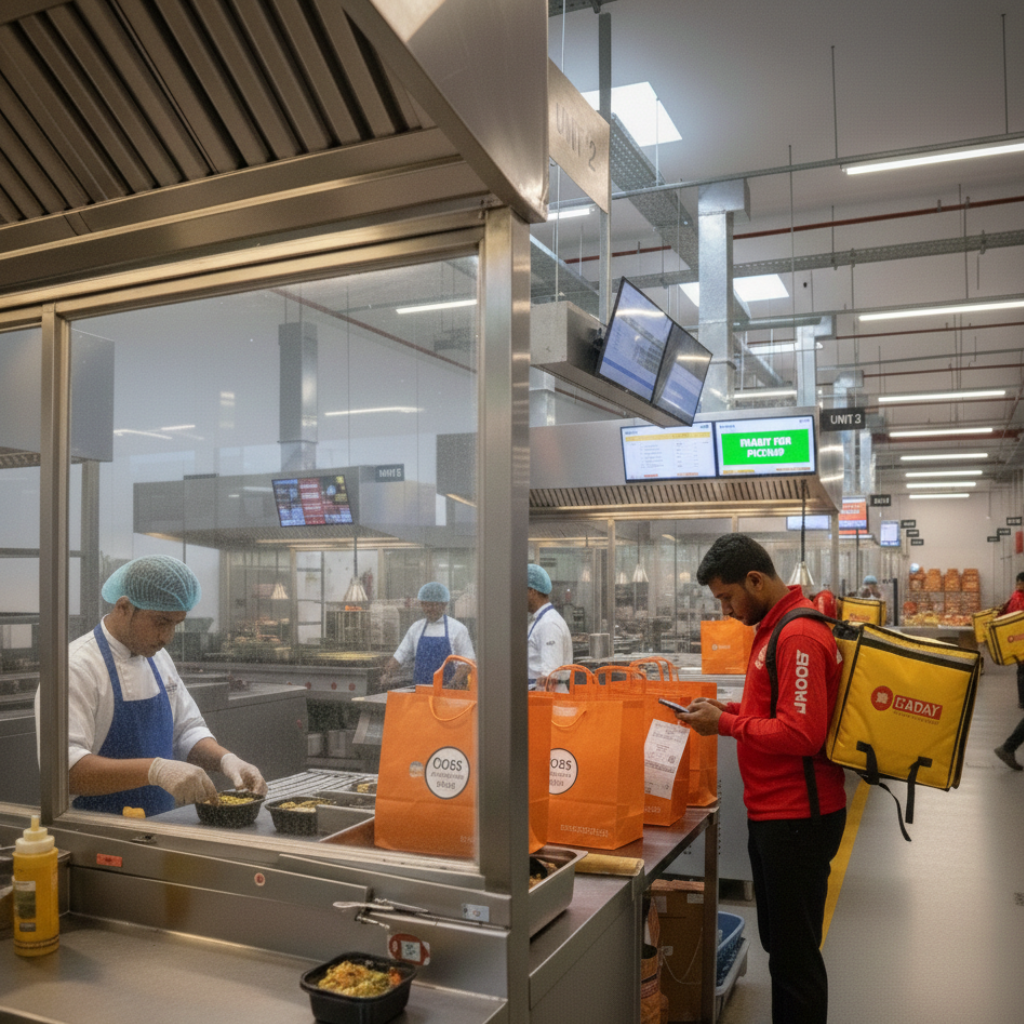
Service speed in a cloud kitchen is not only cooking speed. It is end-to-end throughput: order acceptance, station queue time, cook time, packing time, dispatch time, and rider handover.
During peak, the kitchen doesn’t “move slower.” The kitchen gets overloaded. When overload happens, small inefficiencies multiply: one missing ladle creates searching, searching creates stress, stress creates errors, errors create rework, rework creates delays, delays create angry riders, angry riders create rushed packing, rushed packing creates refunds.
In delivery-first kitchens, slowdowns usually come from four peak-specific realities: (1) orders arrive in bursts, not evenly, (2) items have mixed cook times, (3) packing has many variables, and (4) riders arrive on their own timing, not yours.
A useful mental model: if your kitchen can comfortably process 20 orders/hour, and you receive 25 orders in 15 minutes, you didn’t “get slower” you got queued. Queue time is what customers experience as “late delivery.”
The Unit Economics Lens: Peak Slowdowns Are Refund + Rating Multipliers
Cloud kitchen profitability is decided per order. Your contribution margin is: selling price minus commission minus packaging minus food cost minus refunds/penalties impact. Peak slowdowns hurt this equation in multiple ways.
When service slows down during peak hours: riders wait longer, food sits longer (quality drops), packing becomes rushed (errors rise), customers complain more, refunds increase, and ratings become volatile.
The hidden multiplier most founders miss: peak slowdowns create quality inconsistency. Even if recipes are solid, late orders become soggy, cold, or spilled. Customers don’t separate “taste” from “delivery experience.” They rate the received product.
If you want to understand how execution issues become profitability leaks, audit using Common Operational Mistakes in Cloud Kitchens.
The 10 Reasons Service Slows Down During Peak Hours (And What Each One Looks Like)
Peak slowdowns feel like “busy kitchen problems.” In reality, they are predictable bottlenecks. Here are the most common reasons service slows down in cloud kitchens and what each looks like on the floor.
1) Orders arrive in bursts, but the kitchen is designed for steady flow. Peak is not a linear increase. It’s a sudden queue. If you don’t have buffers (pre-prep, par levels, station splits), queue time explodes.
2) Too many SKUs share the same pan, burner, or one “hero station.” If 70% of your menu depends on one wok, one fryer, one tawa, or one gravy station, peak becomes a single bottleneck. Bottlenecks define throughput.
3) Prep is not “peak-prep.” It’s just “daily prep.” Many kitchens prep for the day, not for the burst. Peak needs ready-to-assemble components: portioned proteins, cooked bases, pre-cut garnishes, pre-filled sauce cups, and labelled batches.
4) Cooking is mixed with packing, so focus breaks during peak. When cooks also pack, and packers also cook, stations collapse. Tasks become multi-threaded, which increases errors and slows everyone down.
5) Order routing is weak: every ticket goes to everyone. If your KDS/printout flow is messy, staff wastes time reading, asking, confirming, re-confirming. Peak speed comes from clear routing: “this station owns this step.”
6) Menu assembly steps are not standardized (memory-based builds). If every bowl needs “remembering” components, peak turns into decision fatigue. Decisions slow speed. Standard assembly cards and fixed scoops/ladles reduce decisions.
7) Packing is not built as a quality gate with a checklist. Packing has the most variables: add-ons, cutlery, sealing, labelling, bag logic, hot-cold separation. Without a checklist gate, peak makes packing chaotic. Chaos creates rework and refunds.
8) Riders arrive together, but dispatch has no holding and staging system. A queue of riders at the door increases stress. Stress increases rushing. Rushing increases mistakes. You need a staging table, order-wise bag placement, and clear “ready” signals.
9) Rework is silently eating capacity. During peak, one wrong item triggers remake. Remakes steal burner time, fryer time, packing time. If you don’t track rework as a KPI, you won’t see why peak slows down.
10) No daily peak review loop exists (mistakes repeat daily). If you never review: top peak bottleneck, top refund reason during peak, top station delay, then the same peak pain repeats. Peak fixes require feedback loops, not motivation.
If you want the systems link between SOPs and fewer complaints, read How SOPs Reduce Food Cost & Complaints. If you want the dispatch foundation, use Cloud Kitchen Dispatch SOP.
Swiggy/Zomato Reality: Peak Hour Delays Create Complaints, Refunds, and Discount Dependency
Aggregators reward consistency and penalize chaos. Peak hour slowdowns create a pattern: late orders → quality drop → complaints → refunds → rating drop → conversion loss → higher discounts.
Many founders respond by pushing more offers during peak. That increases demand without increasing throughput. More demand on the same bottleneck system increases delays further. Offers are not a fix when the kitchen is already overloaded.
To understand payout dynamics and the commission lens, read Aggregator Commission Impact in India.
External reference links (policy context): Swiggy Refund & Cancellation Policy and Zomato Online Ordering Terms.
Peak-Proof Dispatch: Service Speed Is a Station Design Problem
Peak speed improves when the kitchen is designed like a production floor: stations are clear, tools are fixed, sequences are standardized, and a dispatch gate verifies completeness.
A peak-proof system usually includes: a staging table (order-wise slots), a packing checklist, add-on verification, hot-cold separation, bag strength rules, and a final “ready to handover” signal.
If your peak is collapsing at the last 20%, fix dispatch first using Cloud Kitchen Dispatch SOP.
Why Peak Hour Speed Must Be Role-Based (Not “Everyone Help”)
“Everyone help” sounds practical, but it kills speed. During peak, speed comes from specialization: each role repeats a smaller set of actions faster with fewer errors.
Here is what role-based peak operations looks like:
Prep role:
builds peak buffers (portioned components, labelled batches, par levels, garnish kits) before peak starts.
Cook role:
focuses only on cooking + assembly steps with fixed tools and no packing interruptions.
Pack role:
runs checklist packing, add-on verification, sealing, labelling, and bag logic.
Dispatch role:
stages orders, confirms completeness, manages rider queue, and hands over cleanly.
If you want the full role-based operations model, use Role-Based Kitchen Operations Explained.
How to Fix Peak Hour Slowdowns in 7 to 30 Days: A Practical System That Works
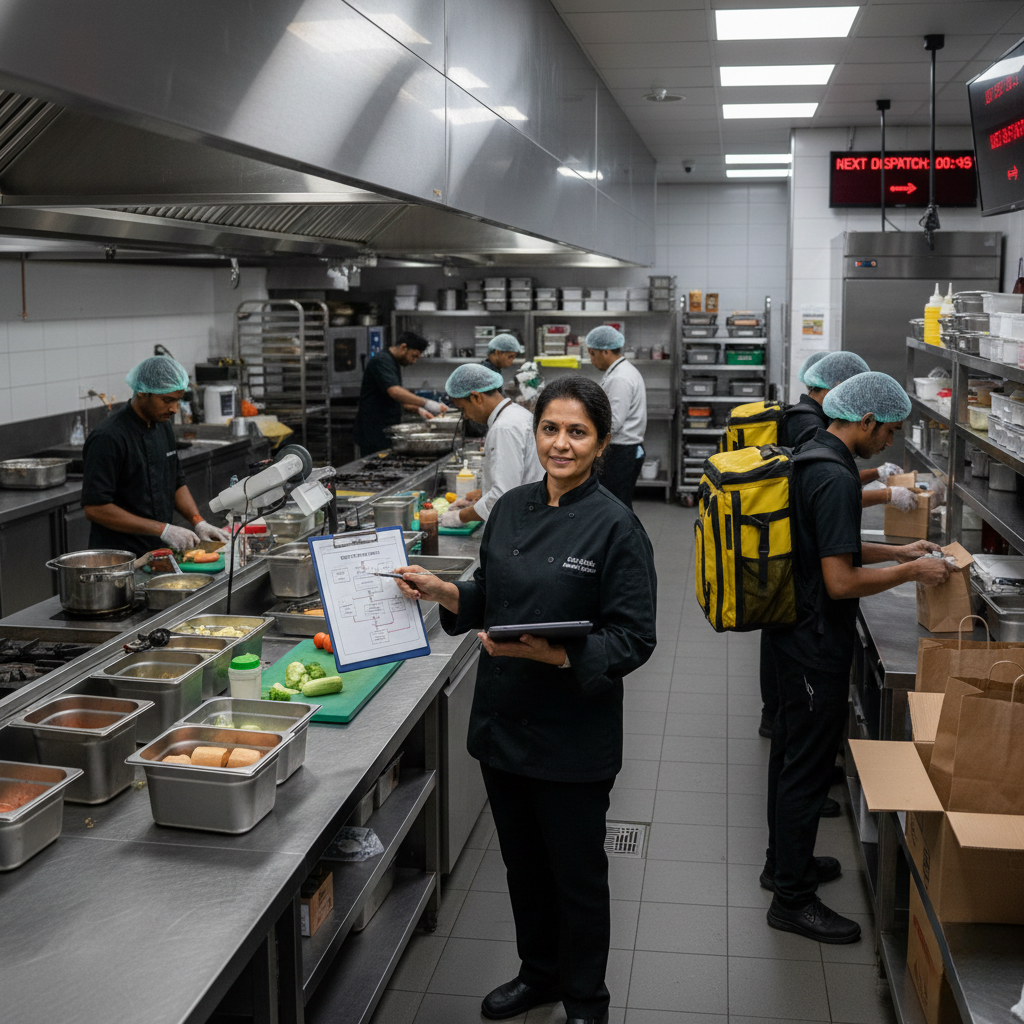
Peak slowdowns don’t fix with “try harder.” They fix when you remove bottlenecks and install buffers. Below is a rollout sequence that works in running cloud kitchens.
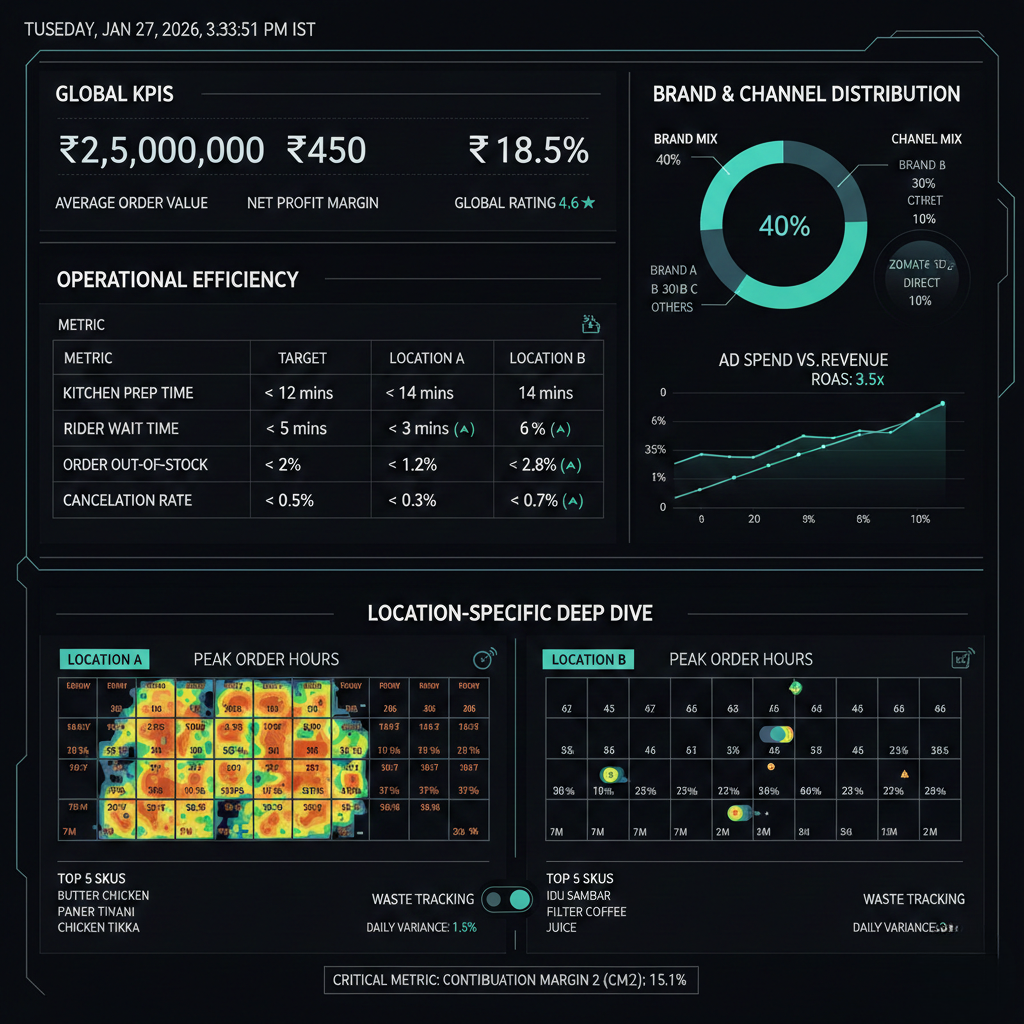
Step 1 (Day 1–2): Track 3 peak KPIs for the last 7 days. Track: average KOT time during peak, rider wait time, and peak-hour refunds/complaints. If you don’t measure peak, you’ll guess the problem.
Step 2 (Day 1–3): Identify the bottleneck station. Is it fryer? wok? gravy station? packing? dispatch? The bottleneck defines throughput. Fixing non-bottlenecks won’t improve peak speed.
Step 3 (Day 2–4): Create peak buffers for top-selling SKUs. Start with your top 10 SKUs. Define pre-prep: portioned proteins, cooked bases (where safe), ready garnish, sauce cups, labelled batches. Peak is won before peak starts.
Step 4 (Day 3–7): Standardize assembly with tools and cards. Install: ladles, scoops, portion cups, visible recipe/assembly cards, and a fixed sequence. Reduce decisions and reduce rework.
Step 5 (Week 2): Split roles during peak (no role mixing). Decide: who cooks, who packs, who dispatches. If one person shifts roles mid-peak, speed collapses.
Step 6 (Week 2): Install a packing checklist gate and add-on verification. Make the checklist visible at the station. Add-ons must be a hard gate (sticker/highlight/tray segregation). This reduces rework and refunds fast.
Step 7 (Week 3): Build dispatch staging to manage rider bursts. Create order slots on a table. Bags are staged only when complete. Dispatch role controls handover. This removes chaos at the door.
Step 8 (Week 3–4): Run a weekly peak review loop. Review: peak bottleneck, top 3 peak complaints, top 3 rework reasons, and one SOP change per week. Peak speed improves with iteration, not lectures.
If you want the broader discipline-led profitability link, map this with How Process Discipline Improves EBITDA.
External standards that help while standardising work: Standardized Work (Lean lexicon), ISO 22000 overview, and FSSAI Hygiene Requirements (Schedule 4 reference).
Final Takeaway: Peak Hours Don’t Slow You Down Bottlenecks Do
Service slows down during peak hours because cloud kitchens face burst demand. When your operating system is memory-based, role-mixed, and bottleneck-heavy, peak exposes every gap: delays, rework, packing errors, rider waits, and refunds.
Peak-proof kitchens become predictable: buffers are ready before peak, stations are clear, assembly is standardized, packing is checklist-driven, dispatch is staged, and weekly reviews keep improving throughput. That predictability is what allows you to scale without chaos.
Operational frameworks from GrowKitchen, and operating partner brands like Fruut and GreenSalad are built to convert “peak chaos kitchens” into “controlled, profitable kitchen networks.”
FAQs: Why Does Service Slow Down During Peak Hours?
What is the biggest reason service slows down during peak?
Bottlenecks plus burst demand. Peak creates queues, and a single overloaded station defines overall speed.
Does hiring more staff automatically fix peak delays?
Not always. If the bottleneck is equipment or one station (fryer/wok/packing gate), more people won’t increase throughput.
Where should I fix first to improve peak speed fast?
Fix packing + dispatch gates first, then build peak buffers for top-selling SKUs, then standardize station roles.
How do I reduce rider waiting during peak?
Use staging slots, dispatch ownership, and only call “ready” when the order is fully packed and verified.
- Cloud Kitchen Profitability Consultant in India
- Common Operational Mistakes in Cloud Kitchens
- Cloud Kitchen Dispatch SOP
- Role-Based Kitchen Operations Explained
- How SOPs Reduce Food Cost & Complaints
- Aggregator Commission Impact in India
- When Growth Is Hurting Your Cloud Kitchen Operations
- How Process Discipline Improves EBITDA
- Grow Kitchen on Twitter