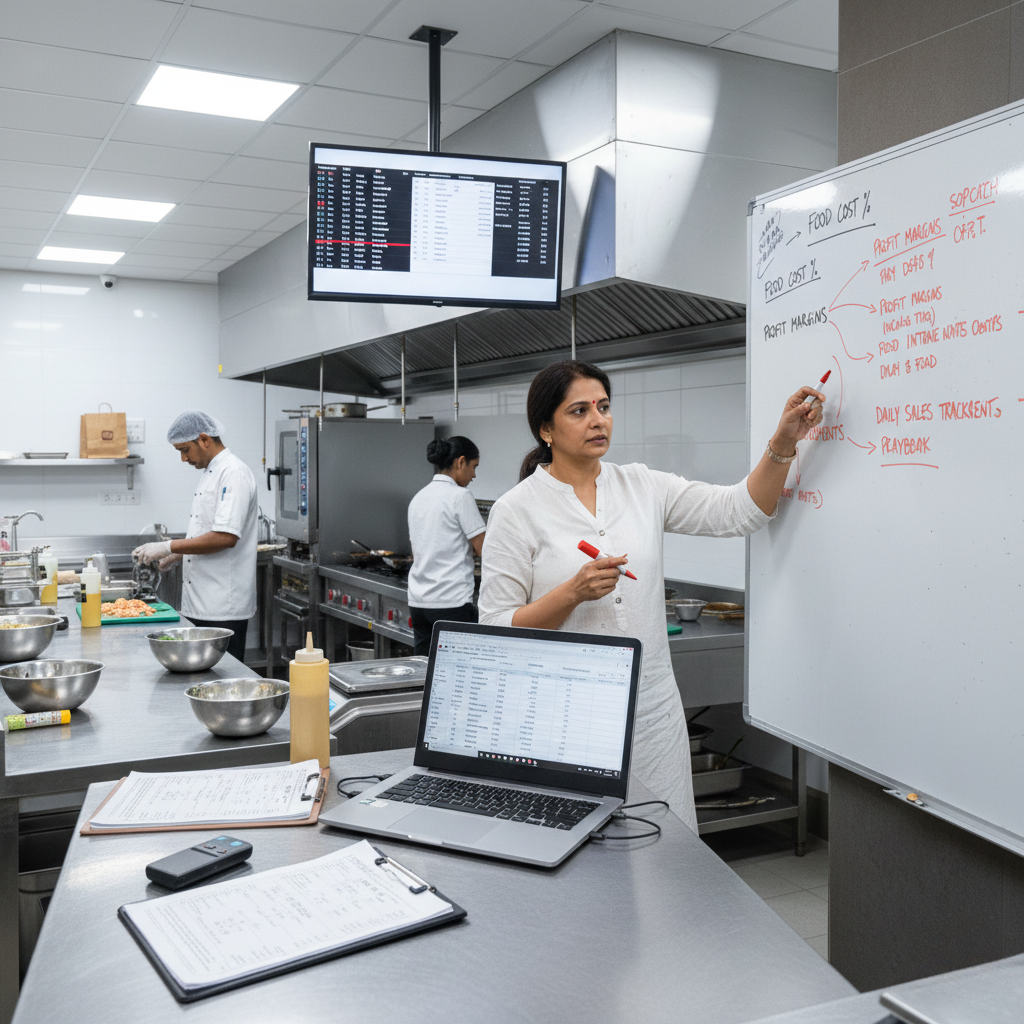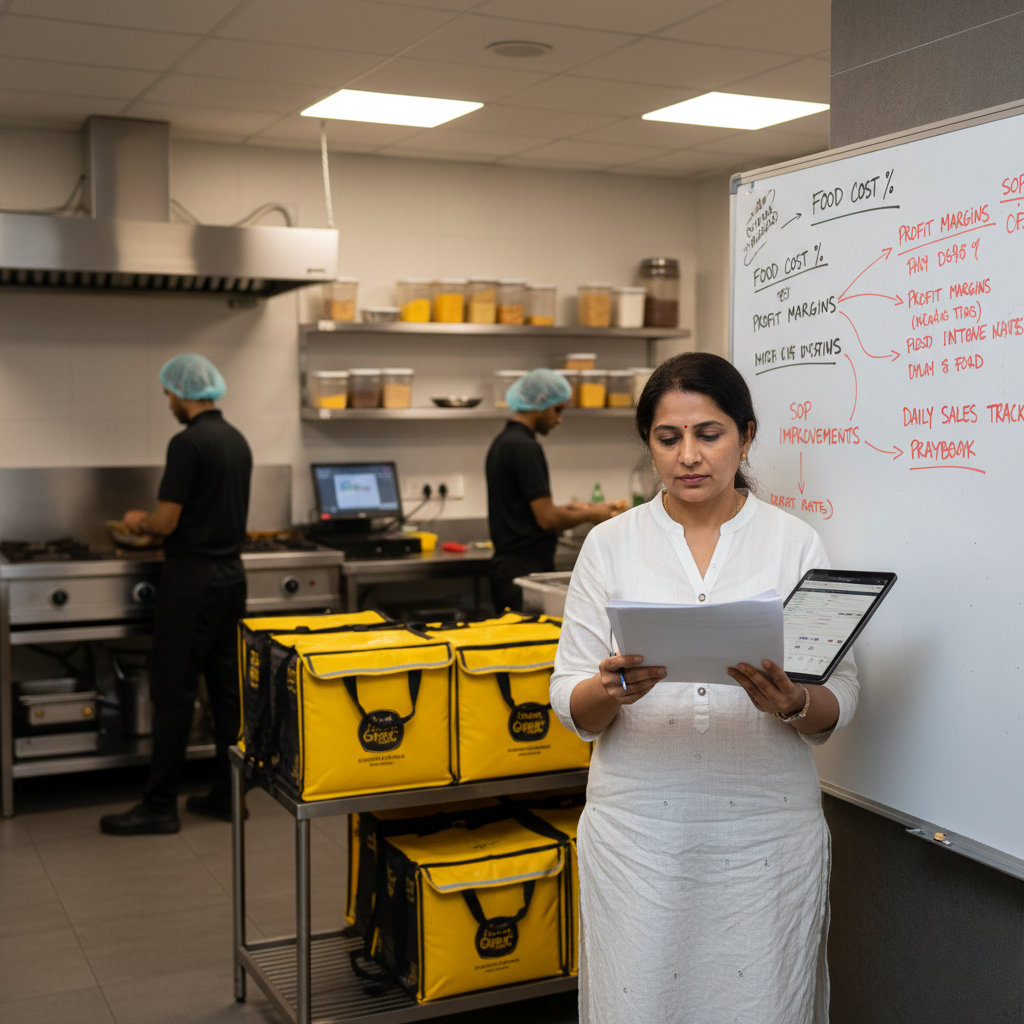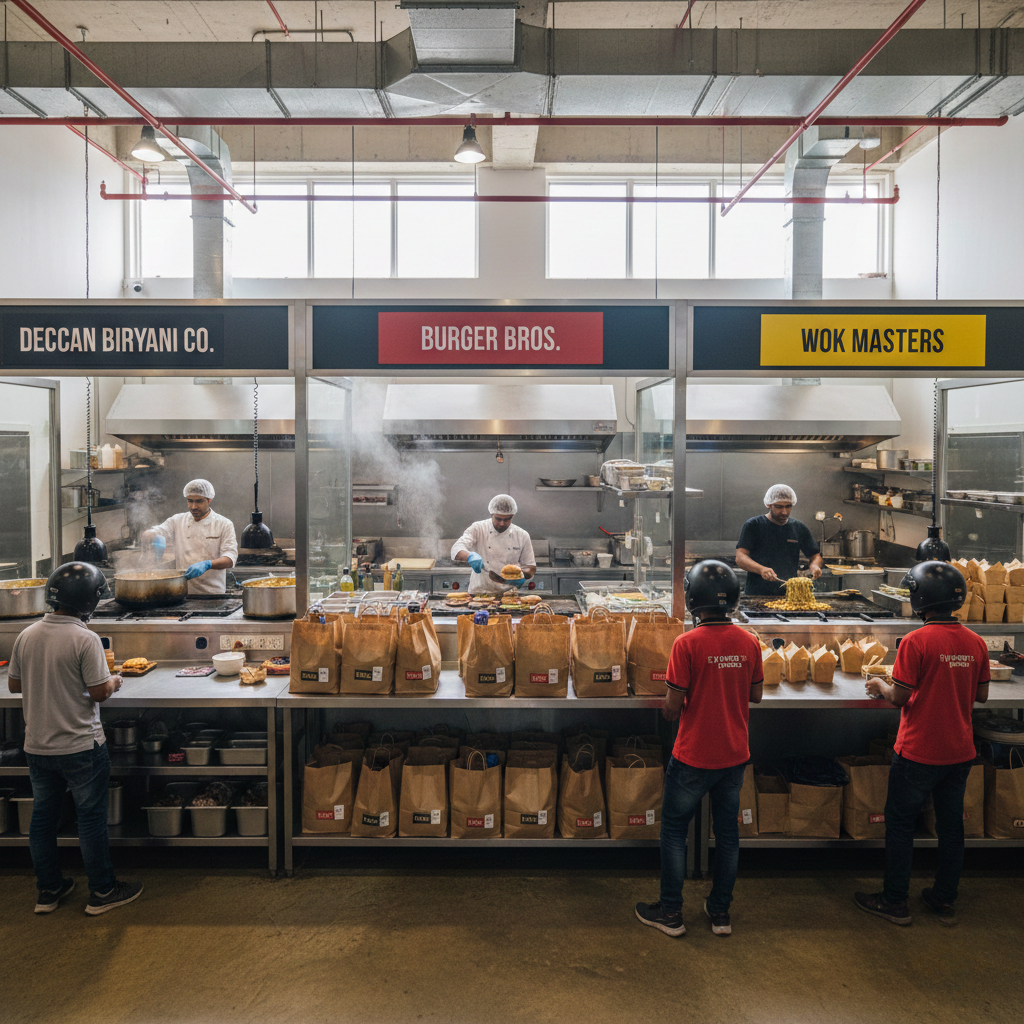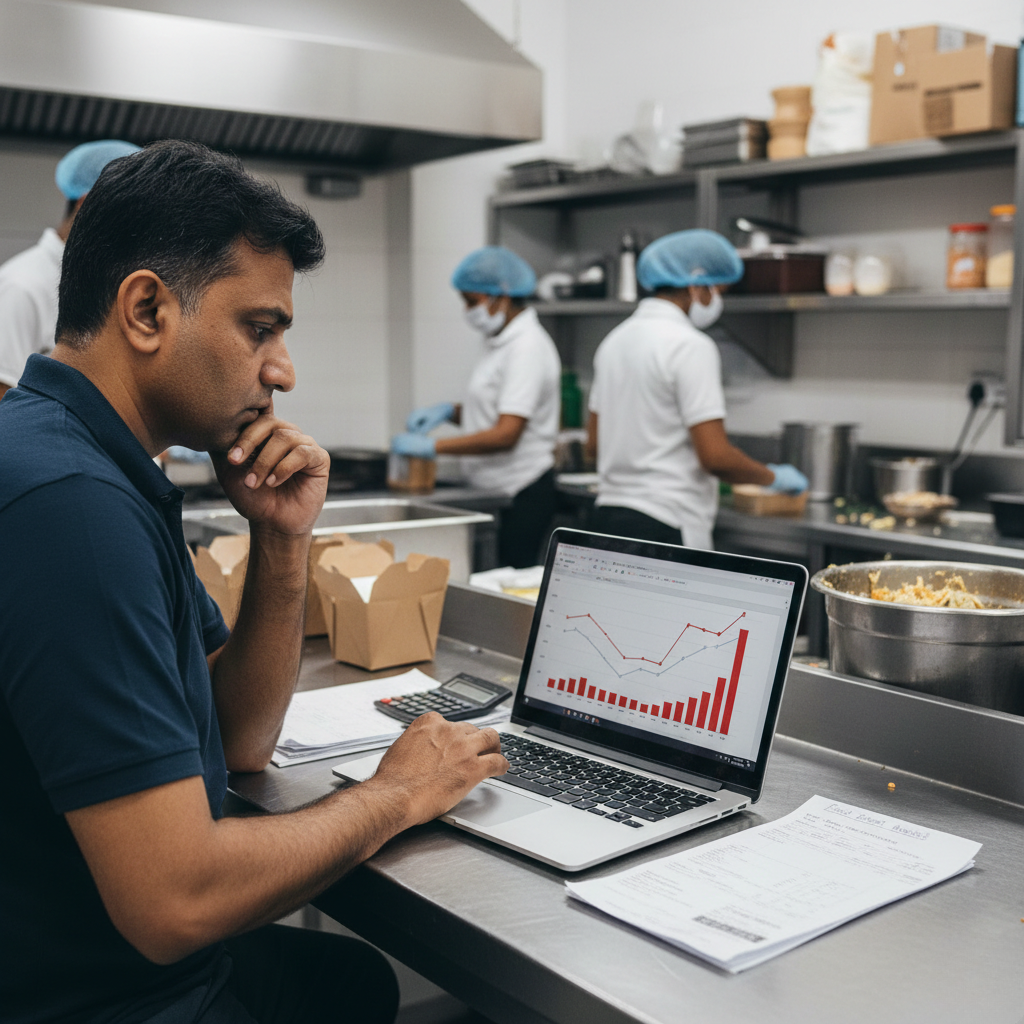
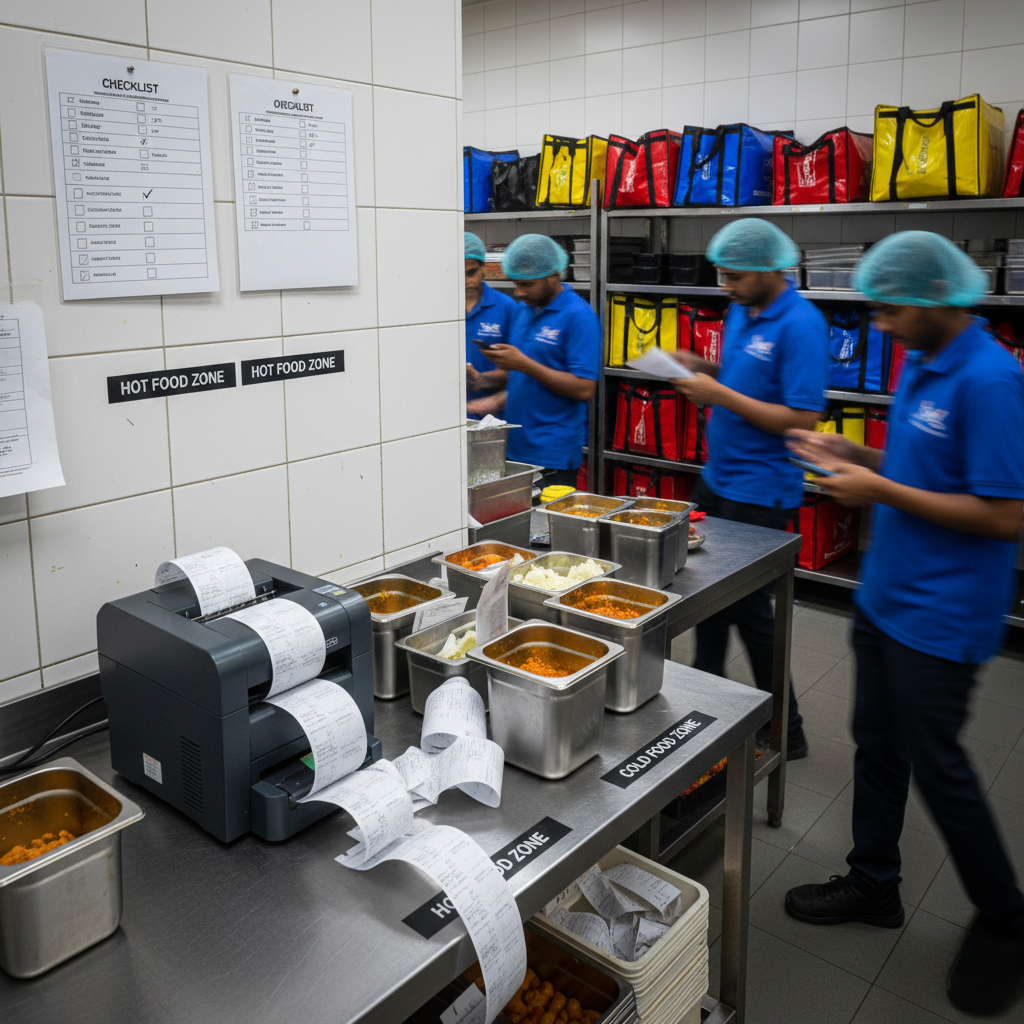
Why expansion makes cloud kitchens worse? is not a “new outlet didn’t work” problem or a “my team can’t handle pressure” problem. It is a replication + management bandwidth + unit-economics + systems-transfer problem. Expansion makes things worse when you scale surface-level assets (menu, brand, listings, packaging) but you don’t scale control systems (SOPs, training, role ownership, prep planning, procurement discipline, station gates, audits, and feedback loops). When expansion increases refunds, cancellations, delays, and losses, it usually means you expanded demand on leaky execution and weak contribution margin. This guide explains why cloud kitchen expansion makes operations worse in India and how to build an expansion-safe operating system end-to-end using SOPs, station gates, menu engineering, procurement routines, audits, and weekly feedback loops using systems, not supervision.
Why expansion makes cloud kitchens worse? The Real Reason “Growth” Creates “More Breakage”
Expansion is supposed to feel like a win: you open another outlet, add another location, run more brands, increase daily orders, and finally feel like you’re building a network.
But many founders experience the opposite: expansion makes everything worse. The first outlet becomes unstable. The second outlet feels chaotic. Dispatch slows. Refunds rise. Cancellations spike. Staff churn increases. Payout stress becomes constant. And the founder becomes the full-time firefighter again.
The hard truth: expansion does not create stability. Expansion is a stress test. It tests whether your first kitchen was running on systems or on you.
If you want the profitability foundation lens first, start with Cloud Kitchen Profitability Consultant in India and map recurring execution leaks using Common Operational Mistakes in Cloud Kitchens.
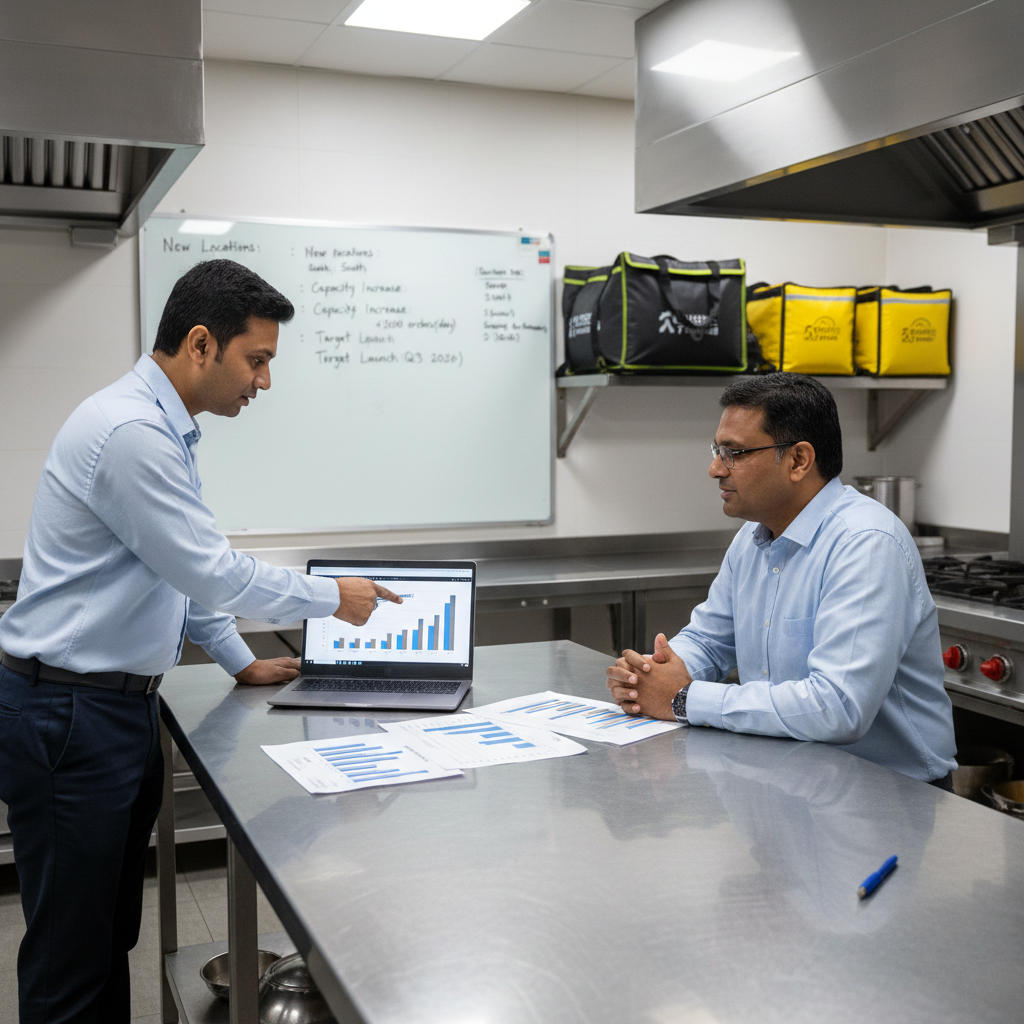
What “Expansion Makes Things Worse” Actually Means (Not Just “More Work”)
When founders say expansion made things worse, they usually mean: the business is bigger, but control is weaker. You are doing more, but you feel less confident.
It typically shows up in five symptoms: (1) reliability breaks (late dispatch, cold outcomes), (2) accuracy breaks (wrong items, missing add-ons, wrong packaging), (3) availability breaks (stock-outs, cancellations), (4) economics break (COGS drift, discounts rise, refunds rise), and (5) leadership bandwidth breaks (no one owns standards consistently).
Expansion exposes hidden dependence. If your first kitchen “worked” because your presence was the system, expansion makes things worse because you can’t be everywhere.
The core shift is this: the first outlet can survive on founder supervision. expansion needs transferable systems.
The Unit Economics Lens: Expansion Makes Things Worse When Contribution Margin Is Not Protected
Many founders expand because sales look strong. But expansion is dangerous when profit is unclear. In delivery-first kitchens, profit is decided per order, not per month.
Use a simple order-level lens:
Order Value minus Aggregator commission & charges minus Packaging cost minus Food cost (COGS) minus Discount burn minus Refund/penalty leakage equals Contribution Margin.
Expansion makes things worse when: contribution margin is thin, and leakage rises across outlets (refunds, waste, remakes, stock-outs, discount dependency).
If you want the platform cost layer in detail, read Aggregator Commission Impact in India. If refunds/cancellations increase as you expand, map it using Refunds and Cancellations Impact on Cloud Kitchen Profitability.
The truth: expansion doesn’t fix weak unit economics. It multiplies them.
The 16 Reasons Expansion Makes Things Worse (And What Each One Looks Like)
Expansion doesn’t break kitchens through one big failure. It breaks them through many small failures that become permanent when leadership attention is split. Below are the most common reasons expansion makes operations worse in Indian cloud kitchens.
1) You replicated the menu, not the SOPs. The second outlet runs “similar items,” but execution varies by shift because SOPs were never documented or trained.
2) Founder presence was the quality gate in Outlet 1. In outlet 1, you corrected portions, fixed packing, pushed dispatch, escalated vendor delays. Expansion removes that gate.
3) Training was assumed, not systemized. New staff will make mistakes. Mistakes create refunds and low ratings. Without shadow shifts, checklists, and sign-offs, errors become habits.
4) Station layout is different, so throughput drops. A new outlet rarely has the same physical flow. Small differences (packing table size, shelves, handover point) create chronic delays.
5) Dispatch discipline didn’t transfer. Expansion increases the number of handoffs. Without a final scan and checklist gate, wrong/missing items rise. Install discipline using Cloud Kitchen Dispatch SOP.
6) Procurement becomes reactive, and COGS rises. New vendors, inconsistent rates, panic buying, and no spec sheets. Cost drift becomes normal.
7) Prep planning and par levels were not rebuilt. Every outlet needs its own buffers. Without par levels, stock-outs increase, cancellations rise, and visibility drops.
8) You scaled volume before stabilizing outcomes. Many founders push offers to “kickstart” new outlets. Offers amplify weak systems and increase error probability.
9) Packaging changed across outlets, so customer experience becomes inconsistent. Different containers, sealing styles, or bagging rules create unpredictable outcomes and complaints.
10) Too many SKUs were launched too soon. Expansion tempts founders to add more variety. Variety without SOP updates collapses accuracy.
11) Role ownership is missing, so standards decay. Everyone does everything. Nothing is owned. If you want the model, read Role-Based Kitchen Operations Explained.
12) Errors repeat because feedback loops are missing. Refund reasons repeat. Complaint patterns repeat. But SOPs aren’t updated weekly.
13) Ratings and distribution drop faster in new outlets. New outlets are fragile. Early negative outcomes train the platform that you are risky, reducing visibility.
14) Discounts increase to compensate for poor conversion. When ETA rises or ratings dip, conversion drops. Founders discount to recover orders, compressing margin. Map the logic in Marketing Spend vs ROI in Cloud Kitchens.
15) Founder bandwidth snaps, so problems stay unresolved longer. In one outlet, you fix fast. With expansion, issues remain open longer and become normalized.
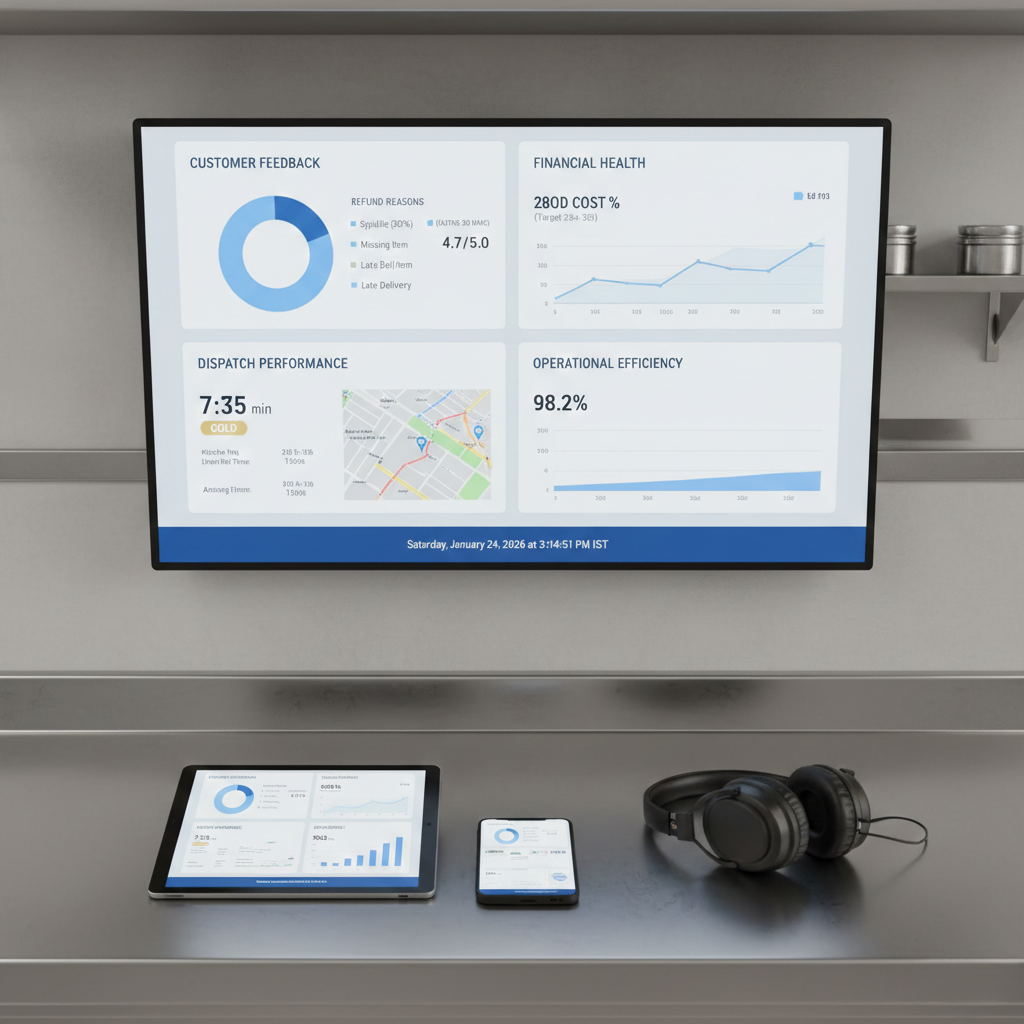
16) No single dashboard links growth metrics to profit metrics. You track sales and orders, not CM by SKU, refunds by reason, cancellations by window, or COGS drift. Expansion without measurement is controlled loss-making.
For the leak map and system mindset, use Common Operational Mistakes in Cloud Kitchens and the discipline lens in How Process Discipline Improves EBITDA.
Swiggy/Zomato Reality: Expansion Without Reliability Creates Suppression, Penalties, and More Discount Burn
Aggregators do not reward your expansion story. They reward successful orders per impression. Each outlet is judged on reliability signals: late dispatch, cancellations, refunds, complaint rate, rating stability, availability.
Expansion makes things worse when those signals worsen across outlets. The platform sees you as risk and reduces distribution. Then founders discount more to keep volume alive. That is how expansion becomes a margin trap.
External policy context: Swiggy Refund & Cancellation Policy and Zomato Online Ordering Terms.
Actionable takeaway: expand like a risk engineer. Reduce repeat failures before pushing more demand.
Expansion Becomes Safe When Three Engines Are Stable: Prep Planning + Packing + Dispatch
Most expansion pain comes from three engines failing under volume and distance: prep planning (readiness, batch yields, availability), packing (accuracy, sealing, add-ons), and dispatch (handover speed, queue discipline, final scan).
If prep fails, you get stock-outs and cancellations. If packing fails, you get refunds and complaints. If dispatch fails, you get late orders and cold outcomes. Expansion multiplies whichever engine is weakest.
Install dispatch predictability using Cloud Kitchen Dispatch SOP and audit repeat failure patterns using Common Operational Mistakes in Cloud Kitchens.
Why Expansion Needed Role Ownership (Not “More Helpers”)
Expansion fails when responsibility becomes shared and outcomes become unclear. In one outlet, founders patch gaps. In expansion, patching becomes impossible. You need role-based ownership with gates.
Expansion-safe roles look like:
Prep role: owns par levels, batch yields, labeling, peak readiness.
Cook role: owns recipe cards and portion tools across shifts.
Pack role: owns checklist, add-ons, sealing, correct labeling.
Dispatch role: owns final scan and rider handover speed.
Manager role: owns weekly review and SOP upgrades.
Use: Role-Based Kitchen Operations Explained.
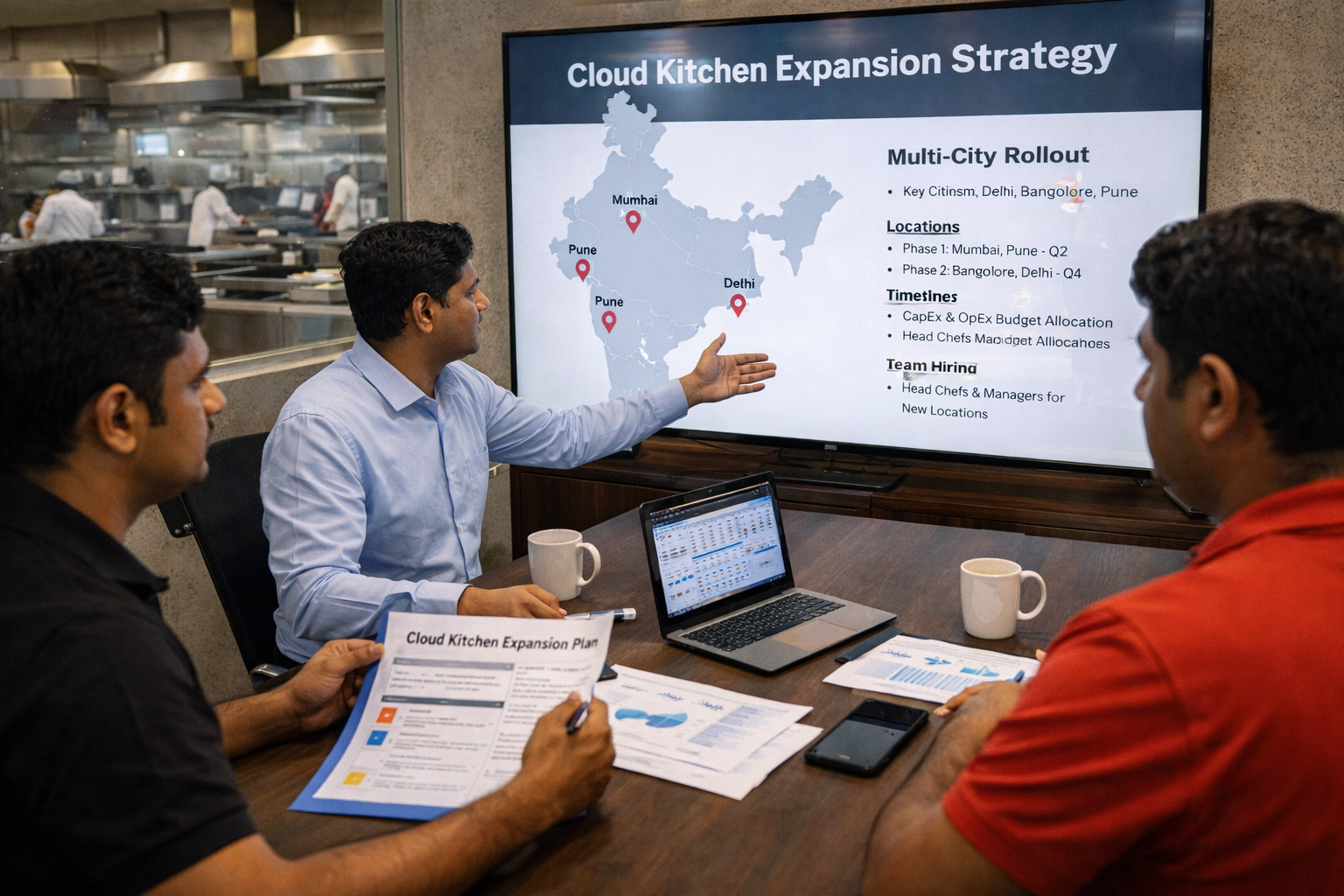
How to Fix Expansion Damage in 7 to 30 Days (A Practical Stabilization Sequence)
If expansion made things worse, the goal is not to stop growing forever. The goal is to rebuild control systems before expanding again. Here is a sequence used in multi-outlet networks.
Step 1 (Day 1–2): Document what only you were doing in Outlet 1. List founder actions that kept standards stable: portion checks, packing checks, dispatch push, vendor follow-ups, escalations. If you can’t document it, you can’t transfer it.
Step 2 (Day 1–3): SOP the top 20% items across outlets. Start with bestsellers. Define portion tools, build sequence, sealing rules, labeling format, add-on verification. Don’t SOP everything. SOP what creates most volume and most complaints first.
Step 3 (Day 2–5): Install packing checklist + dispatch scan in every outlet. This gate reduces wrong items, missing items, add-on misses, and leakage. Use Cloud Kitchen Dispatch SOP.
Step 4 (Day 3–7): Rebuild prep planning with par levels and batch yields. Define minimum buffers for shared components. Build a peak readiness checklist to reduce cancellations.
Step 5 (Week 2): Simplify menu for replication. Reduce near-duplicate SKUs. Create bestsellers category. Remove confusing variants.
Step 6 (Week 2): Standardize procurement specs and approved vendors. Lock RM specs, approved brands, reorder routines. Stop reactive buying.
Step 7 (Week 3): Run audits, not policing. Audit 5 peak + 5 non-peak orders. Track station-wise errors: packing, dispatch, portion, labeling, sealing. Fix top 2 repeating errors weekly.
Step 8 (Week 3–4): Install a weekly feedback loop that forces SOP updates. Review refunds, cancellations, ratings, late dispatch, stock-outs weekly. Then update SOPs and re-train. No feedback loop = repeat failure.
If you want the discipline-led profitability link, map this with How Process Discipline Improves EBITDA and the scaling leakage pattern: When Growth Is Hurting Your Cloud Kitchen Operations.
External process references: Standardized Work (Lean lexicon), ISO 22000 overview, and FSSAI Hygiene Requirements (Schedule 4 reference).
Final Takeaway: Expansion Makes Things Worse When Control Systems Don’t Scale With You
If expansion made things worse, it usually means you expanded surface-level assets without transferring control systems. Expansion multiplied SOP gaps, training gaps, procurement chaos, dispatch delays, refunds, cancellations, and margin leakage.
Expansion-safe kitchens become predictable: SOPs are transferable, portions are controlled, packing is checklist-driven, dispatch is gated, prep planning prevents stock-outs, and weekly reviews force SOP upgrades. That is what turns “more outlets” into “more stability.”
Operational frameworks from GrowKitchen, and operating partner brands like Fruut and GreenSalad are built to convert expansion chaos into system-driven scale.
FAQs: Why Does Expansion Make Things Worse?
What is the biggest reason expansion makes cloud kitchens worse?
Lack of systems transfer. You expand menu and listings, but SOPs, training, and role ownership don’t scale.
Is expansion failure usually a location problem?
Sometimes, but most often it’s execution + control: prep planning, dispatch discipline, training, and unit economics drift.
Which fix improves things fastest after expansion?
Packing checklist + dispatch scan across all outlets, plus SOP-led portion tools for top sellers.
How do I know I’m ready to expand again?
When refunds, cancellations, late dispatch, and food cost percentage remain stable for 4+ weeks and SOPs run without you daily.
- Cloud Kitchen Profitability Consultant in India
- Common Operational Mistakes in Cloud Kitchens
- When Growth Is Hurting Your Cloud Kitchen Operations
- Aggregator Commission Impact in India
- Refunds and Cancellations Impact on Cloud Kitchen Profitability
- Cloud Kitchen Dispatch SOP
- Role-Based Kitchen Operations Explained
- Marketing Spend vs ROI in Cloud Kitchens
- How Process Discipline Improves EBITDA
- Grow Kitchen on Twitter