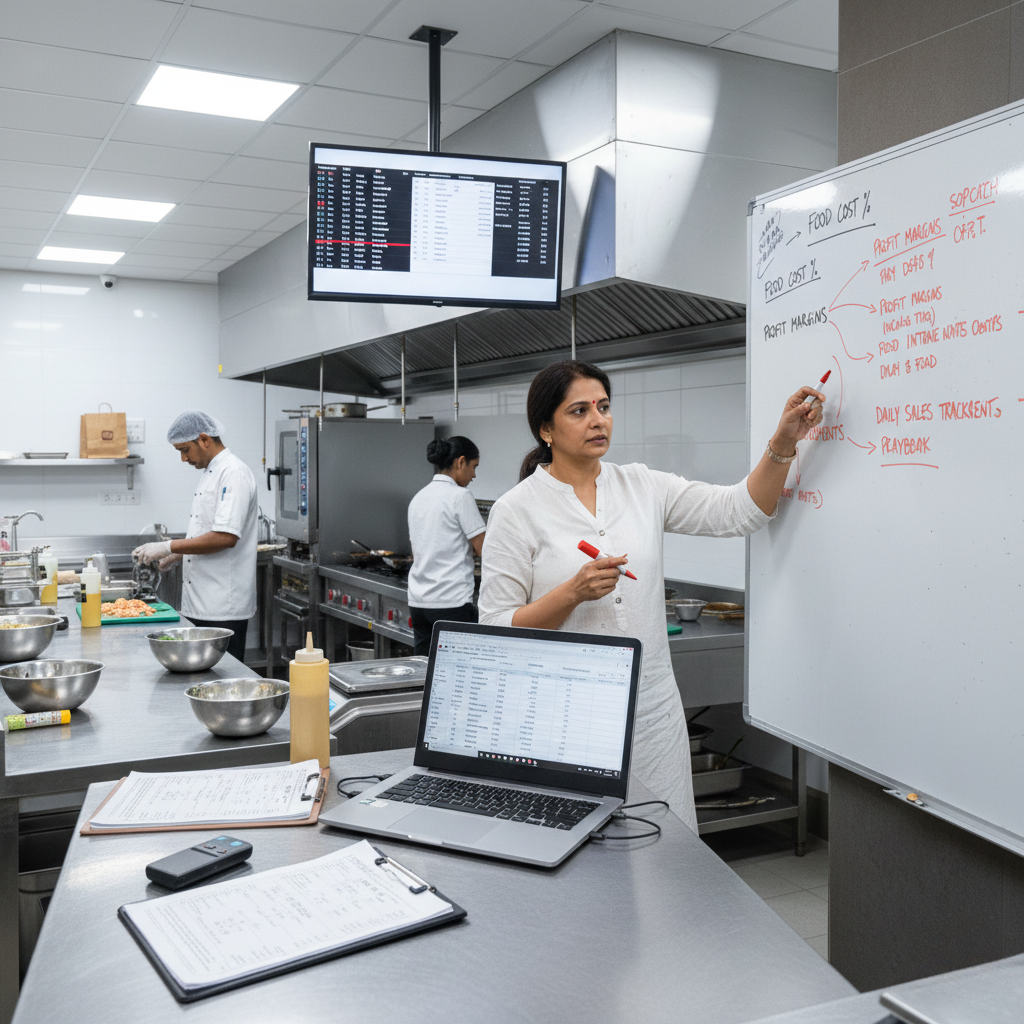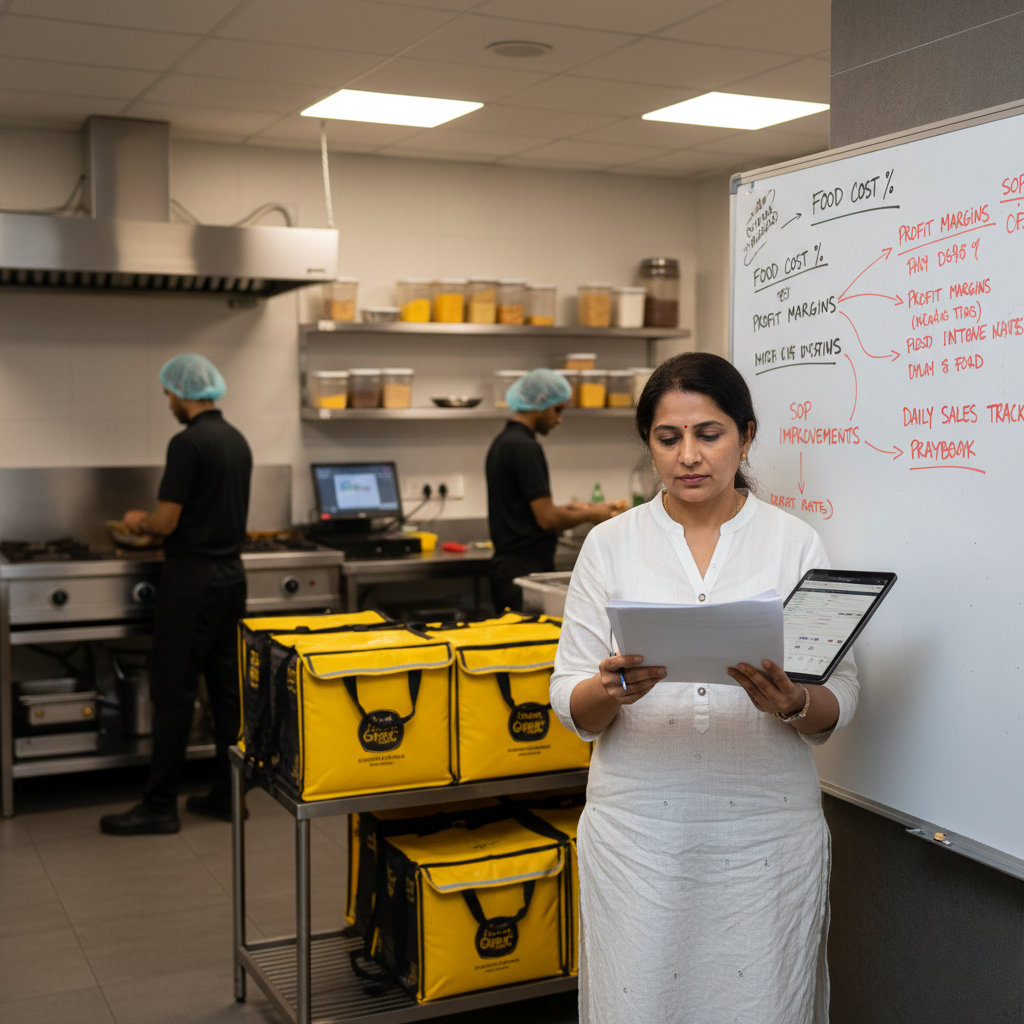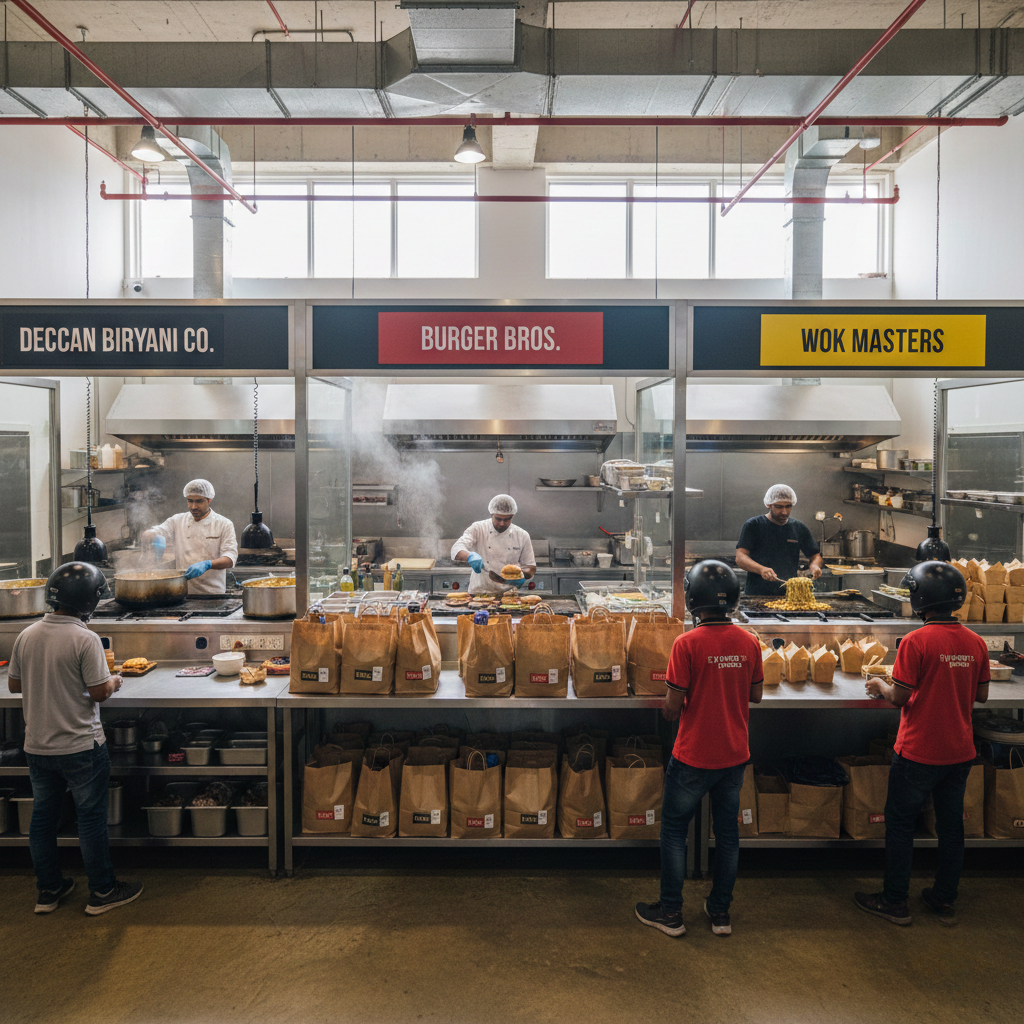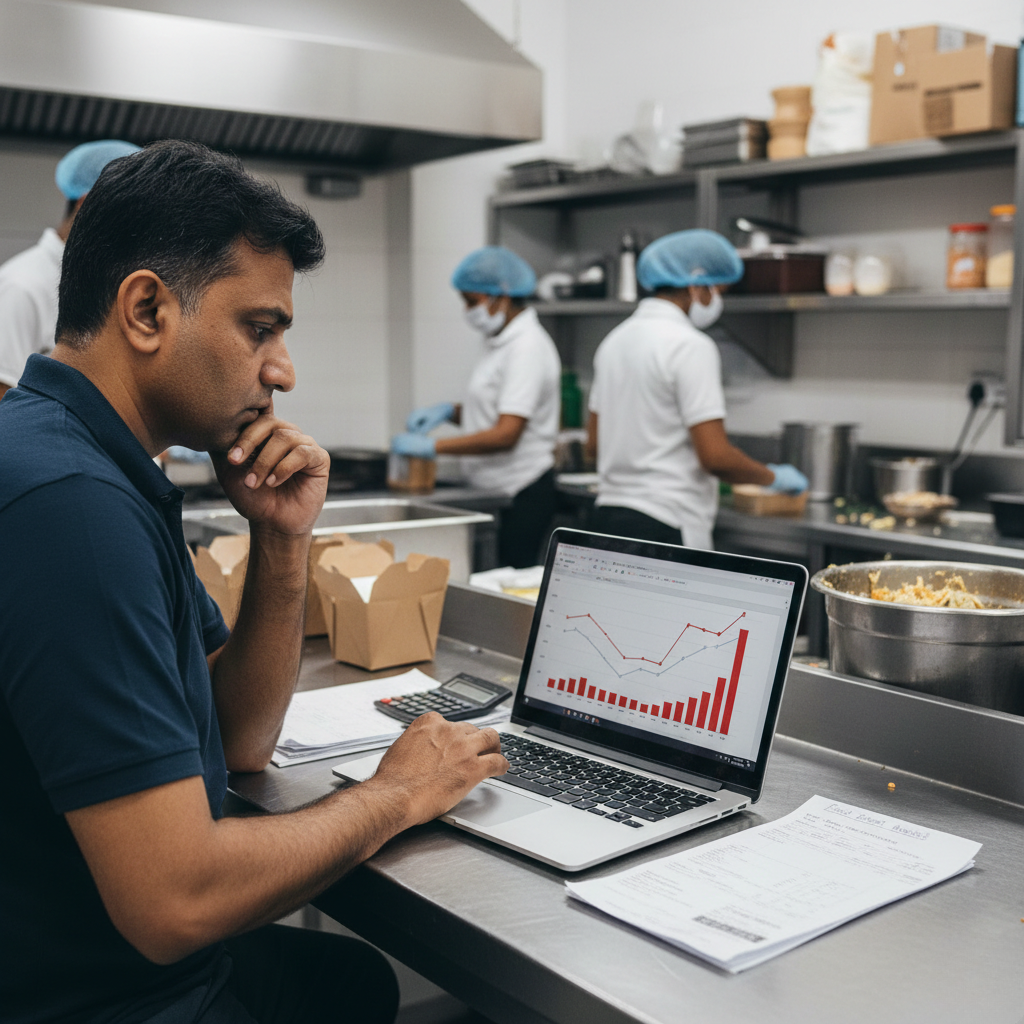
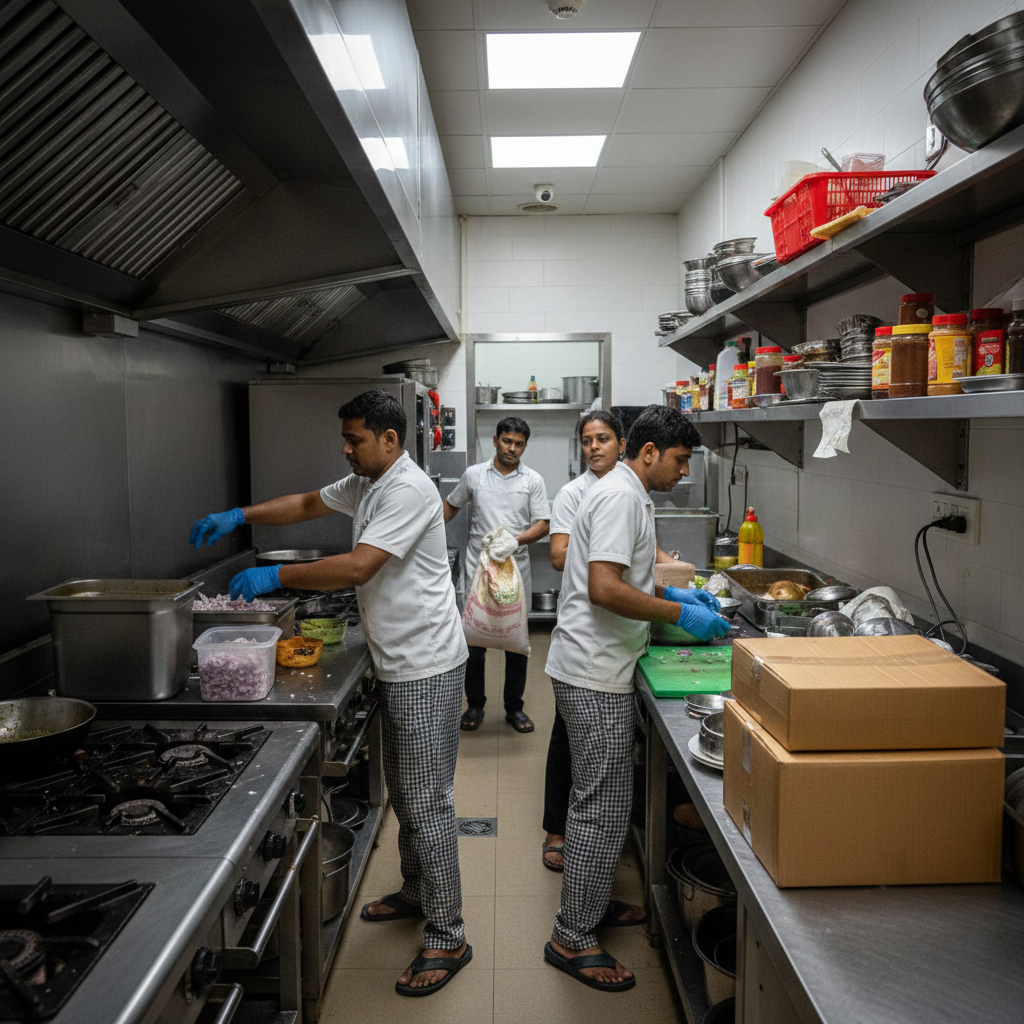
Kitchen Layout Mistakes That Slow Operations explains why many cloud kitchens in India struggle with speed, consistency, and staff efficiency even when recipes, staff strength, and demand are in place. Founders often treat layout as a one-time infrastructure decision. In reality, kitchen layout is a daily operational system. Poor layout design increases movement, causes congestion, delays orders, and silently destroys productivity. This guide explains the most common layout mistakes, how they slow operations, and what disciplined kitchens do differently.
Why Kitchen Layout Is an Operations Problem, Not a Design Problem
Many cloud kitchens in India are set up based on available space, rental constraints, or equipment deals. Layout decisions are made quickly, often before menu volumes are understood. Once operations begin, staff are forced to adapt to the space rather than the space supporting the workflow. Over time, poor layout becomes normalized, even though it continuously slows operations.
This problem is closely connected to Cloud Kitchen Operation Consultant.
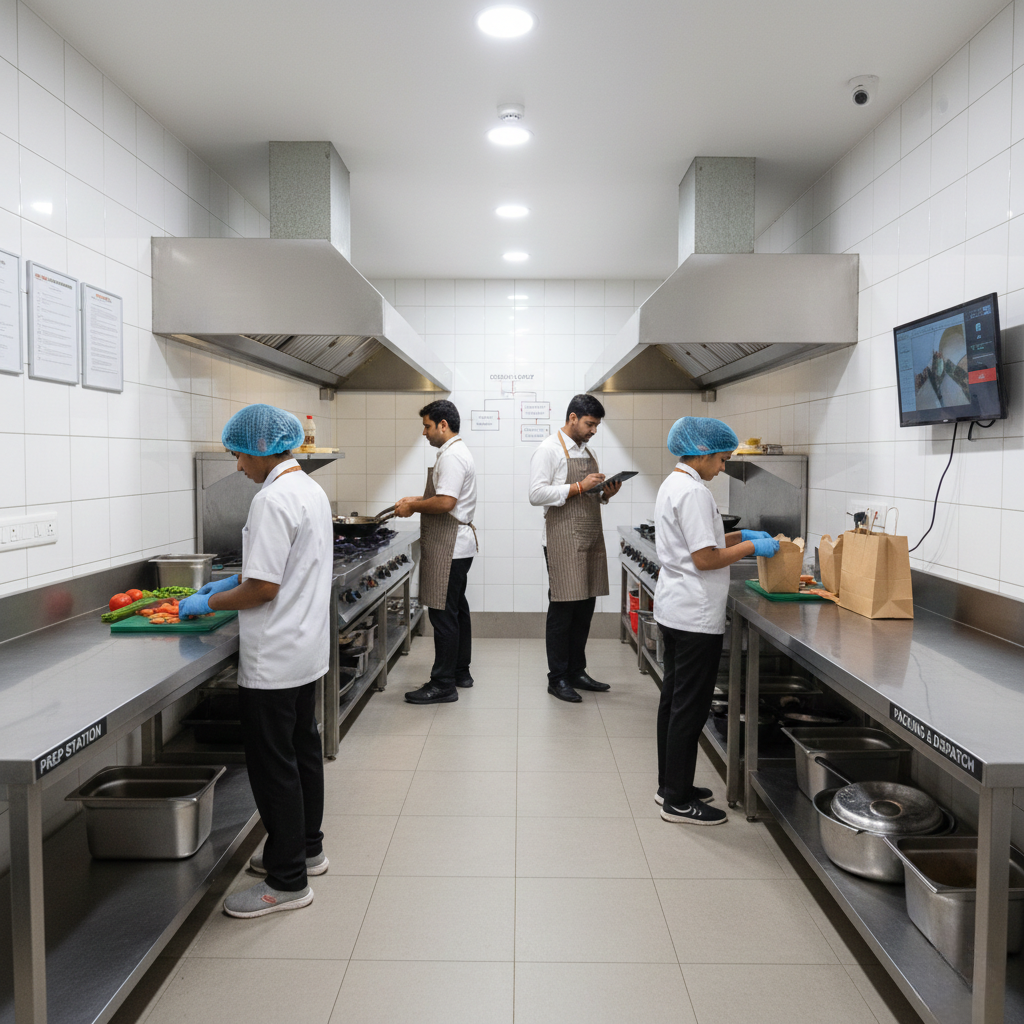
What an Operational Kitchen Layout Actually Means
An operational layout is designed around movement, sequence, and flow. Ingredients move forward. Orders move in one direction. Staff do not cross paths unnecessarily. Every step in the kitchen should reduce friction, not add it.
Congestion at Critical Points
One of the most common layout mistakes is placing too many activities in one zone. Prep tables near cooking stations, packing next to frying, or dispatch inside the cooking area create congestion. During peak hours, staff block each other, slowing output. Congestion multiplies stress and increases mistakes.
Excessive Distance Between Related Tasks
Poor layouts force staff to walk long distances repeatedly. Ingredients stored far from prep, prep far from cooking, and cooking far from packing add seconds to every order. At scale, these seconds compound into delays. Efficient kitchens minimize movement, not manpower.
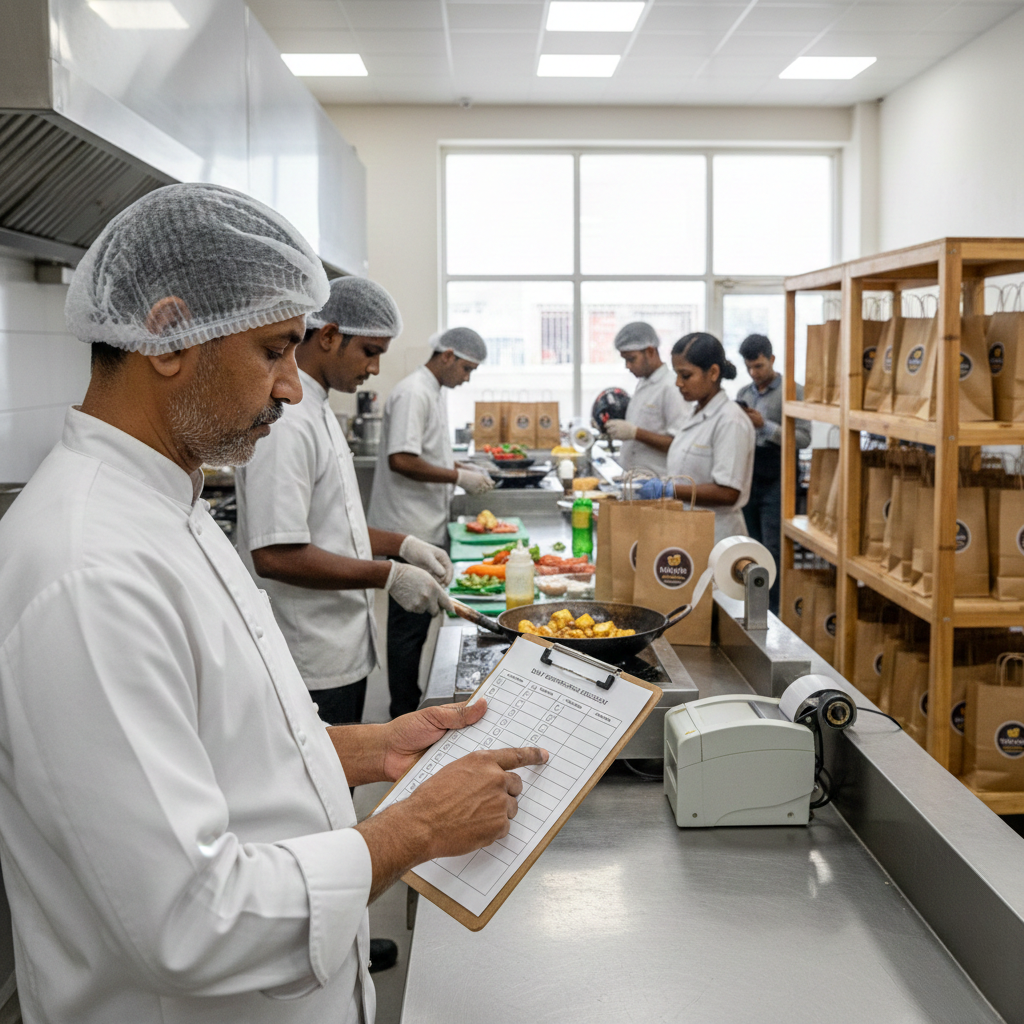
Staff Crossing Paths During Service
When layout forces staff to cross paths, collisions increase. Hot equipment, sharp tools, and spills become safety hazards. Staff slow down instinctively to avoid accidents. This reduces speed even when order volume is manageable.
Prep Areas Not Aligned With Service Flow
Prep areas are often treated as isolated workstations. In reality, prep must feed cooking seamlessly. When prep output does not align with cooking demand, staff pause to search, restock, or re-prep. This delay shows up during peak hours.
Learn prep discipline in Prep SOP vs Service SOP Explained.
Packing Zones That Interrupt Cooking
Packing is the final checkpoint. When packing is placed inside cooking flow, cooks are interrupted repeatedly. This breaks focus and slows production. Disciplined layouts separate cooking and packing clearly.
Dispatch Bottlenecks Created by Layout
Dispatch areas are often afterthoughts. Small counters, unclear order staging, and rider crowding create confusion. Even when food is ready, poor dispatch layout delays handover.
Structured dispatch flow is covered in Cloud Kitchen Dispatch SOP.
Layout Challenges in Multi-Brand Cloud Kitchens
Multi-brand kitchens multiply layout complexity. Shared stations, overlapping prep, and mixed packing cause brand confusion. Without clear zoning, staff slow down to avoid errors.
Structural clarity is explained in How to Build SOPs for Multi-Brand Cloud Kitchens.
How Poor Layout Increases Staff Fatigue
Excess movement drains energy. Fatigued staff move slower, make more mistakes, and lose focus. This impacts consistency long before it impacts speed. Layout directly affects staff performance.
Designing Layouts Around Operational Systems
Layout must follow process, not equipment. Systems define sequence, handoffs, and ownership. Good layouts reinforce SOPs instead of fighting them. This reduces dependency on supervision.
How Layout Mistakes Impact Profitability
Slower kitchens handle fewer orders per hour. Delays reduce ratings and increase refunds. Poor layout indirectly increases labor cost per order. This directly affects margins, as explained in Why Operations Decide Profit or Loss in Cloud Kitchens.
Kitchen Layout Mistakes That Slow Operations: Final Takeaway
Kitchen layout is not static. It is a daily performance multiplier. Kitchens that fix layout issues unlock speed without hiring more staff. Proven frameworks from GrowKitchen help founders design layouts that support real operations, not just equipment placement.
FAQs: Kitchen Layout & Operations
Can layout changes improve speed without new equipment?
Yes. Reducing movement alone improves throughput.
Is layout important for small kitchens?
Small kitchens feel layout issues faster.
How often should layout be reviewed?
Whenever menu volume or brands change.
Does layout affect staff retention?
Yes. Poor layout increases fatigue and frustration.